> ## Documentation Index
> Fetch the complete documentation index at: https://docs.botbrains.io/llms.txt
> Use this file to discover all available pages before exploring further.
# API Keys
> Generate and manage secure API keys for programmatic access to botBrains
API keys are in private beta. If you would like access, please contact [support@botbrains.io](mailto:support@botbrains.io).
API keys enable programmatic access to your botBrains projects. You can build custom integrations, automate workflows, and scope each key with specific permissions for secure, controlled access.
## Authentication
API keys authenticate requests using a bearer token scheme:
```bash Example API Request theme={null}
curl https://api.botbrains.io/v1/projects/123/conversations \
-H "Authorization: Bearer sk_live_abc123def456..." \
-H "Content-Type: application/json"
```
Each key consists of a **prefix** (`sk_live_` or `sk_test_`), a cryptographically secure **secret** (43 characters), and a set of **permissions** that control which operations the key can perform.
Treat API keys like passwords. Never commit them to version control, share them in public channels, or expose them in client-side code.
## Key Concepts
* **Project-scoped**: Each key belongs to one project and cannot access resources from other projects.
* **Permission-based**: Keys use granular `resource:action` permissions (for example `conversation:read`, `knowledge:write`). Grant only the minimum permissions required.
* **Revocable**: You can delete or modify key permissions at any time - changes take effect immediately.
## Creating a Key
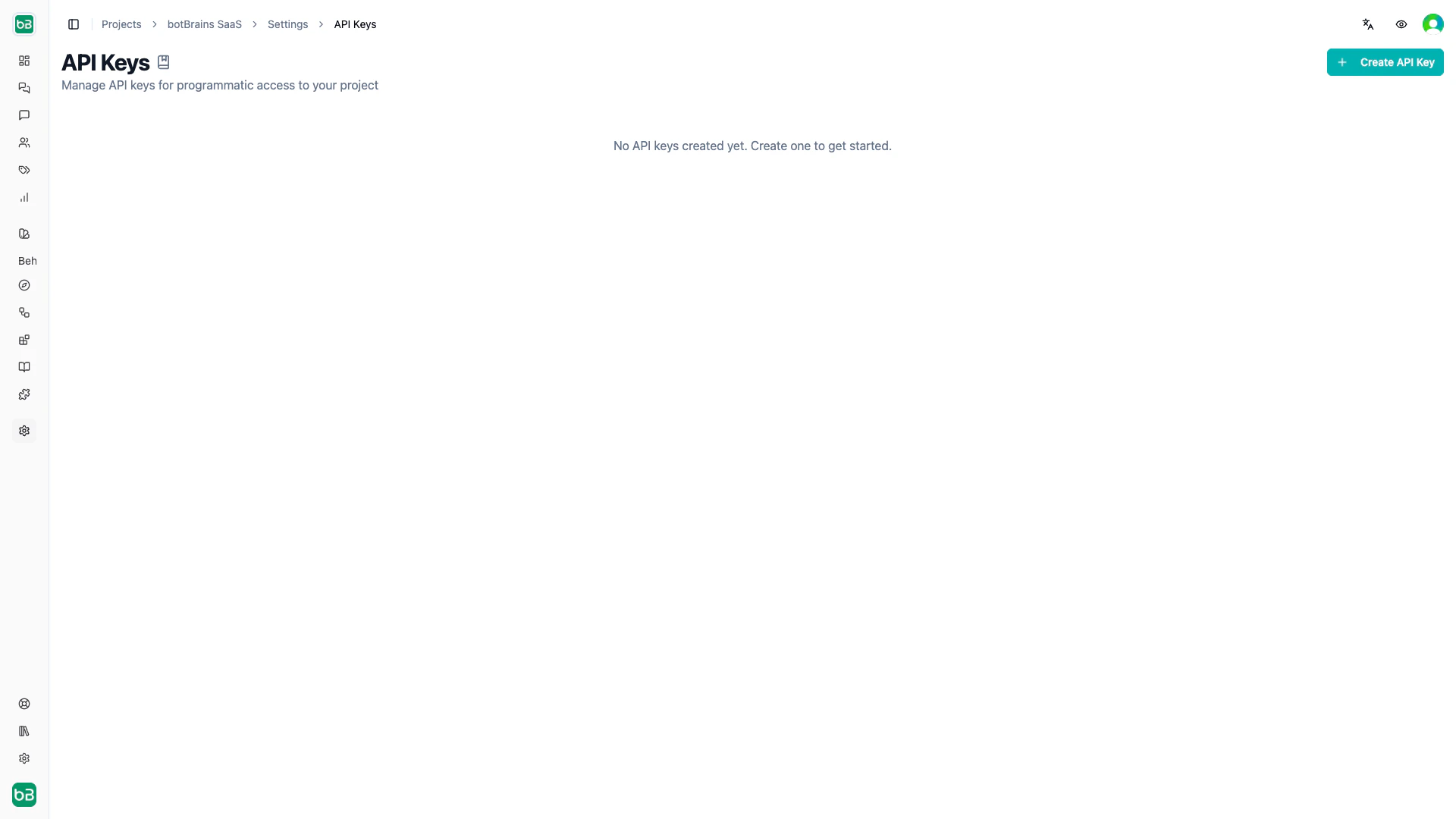
Open [Settings → API Keys](https://platform.botbrains.io/~/settings/apikeys) in your project
Click **Create API Key**, enter a descriptive name (for example "CRM Sync", "CI Pipeline"), and select the permissions the key needs
Copy the secret immediately - you won't see it again after closing the dialog
Store the secret in environment variables or a secrets manager, never in source code:
```bash .env theme={null}
BOTBRAINS_API_KEY=sk_live_Np8JQxH7mF3vKL9wRt2YzBnX4cDq6sA1pWe5iUoGhMj
BOTBRAINS_PROJECT_ID=123
```
 ## Managing Keys
The API Keys table shows each key's name, masked secret, and permissions. From there you can:
* **Reveal or copy** the secret using the eye / copy icons
* **Edit permissions** without regenerating the secret (click the pencil icon)
* **Delete a key** permanently (all requests using it will fail immediately)
## Managing Keys
The API Keys table shows each key's name, masked secret, and permissions. From there you can:
* **Reveal or copy** the secret using the eye / copy icons
* **Edit permissions** without regenerating the secret (click the pencil icon)
* **Delete a key** permanently (all requests using it will fail immediately)
 ## Permissions
Permissions follow a `resource:action` pattern and map directly to the [Roles and Permissions](/concepts/roles-permissions) system. Write permissions automatically include the corresponding read permission.
Common patterns:
| Use case | Permissions |
| ------------------- | ----------------------------------------------------------------------------------- |
| Read-only analytics | `project:read`, `conversation:read`, `metric:read`, `topic:read` |
| Knowledge sync | `knowledge:read`, `knowledge:write`, `table:read`, `table:write` |
| Conversation access | `conversation:read`, `conversation:write`, `conversation:generate`, `userpool:read` |
API keys only support project-level permissions. Organization-level operations (billing, team management) require authenticated user sessions.
## Next Steps
* [Roles and Permissions](/concepts/roles-permissions) - Understand the full permission model
* [Triggers](/concepts/triggers) - Automate actions with event-based webhooks
* [Data Export](/concepts/data-export) - Export conversation data programmatically
## Permissions
Permissions follow a `resource:action` pattern and map directly to the [Roles and Permissions](/concepts/roles-permissions) system. Write permissions automatically include the corresponding read permission.
Common patterns:
| Use case | Permissions |
| ------------------- | ----------------------------------------------------------------------------------- |
| Read-only analytics | `project:read`, `conversation:read`, `metric:read`, `topic:read` |
| Knowledge sync | `knowledge:read`, `knowledge:write`, `table:read`, `table:write` |
| Conversation access | `conversation:read`, `conversation:write`, `conversation:generate`, `userpool:read` |
API keys only support project-level permissions. Organization-level operations (billing, team management) require authenticated user sessions.
## Next Steps
* [Roles and Permissions](/concepts/roles-permissions) - Understand the full permission model
* [Triggers](/concepts/triggers) - Automate actions with event-based webhooks
* [Data Export](/concepts/data-export) - Export conversation data programmatically