> ## Documentation Index
> Fetch the complete documentation index at: https://docs.botbrains.io/llms.txt
> Use this file to discover all available pages before exploring further.
# Data Providers
> Connect and manage your knowledge sources
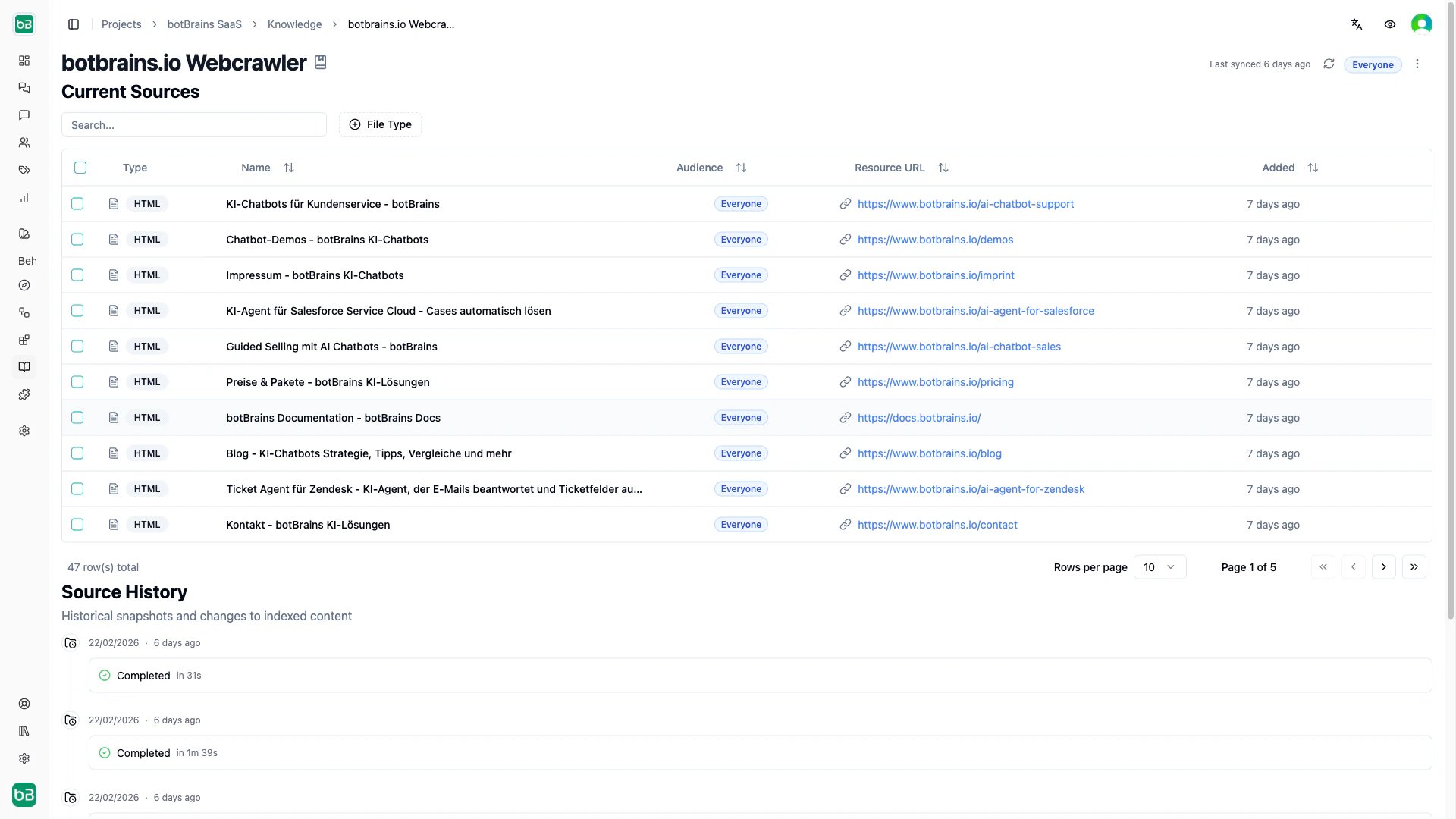
Data providers connect your AI to existing knowledge sources and keep them in sync. Each sync creates a **snapshot**, a point-in-time record of all discovered content. Compare snapshots to see what changed between syncs.
You can assign an [audience](/concepts/audiences) to a data provider so all new sources it discovers are automatically scoped to that segment.
## Web Crawler
Crawl websites, documentation sites, and help centers starting from one or more seed URLs.
 ### Crawl Scope
| Scope | Allows | Blocks |
| ------------- | ------------------------------------ | ----------------------------- |
| Same Domain | All subdomains under the root domain | Other domains |
| Same hostname | Exact subdomain only | Other subdomains, other ports |
| Same Origin | Exact hostname, protocol, and port | Everything else |
### Render Mode
| Mode | Use when |
| ------------- | ------------------------------------------------------ |
| Automatic | Default. Decides per page whether to render JavaScript |
| JavaScript | Single-page apps and dynamic content |
| No JavaScript | Static sites (faster) |
### URL Controls
* **URL Limit.** Maximum pages to crawl (1–20,000). Start small (50–100) to verify your config, then increase.
* **Concurrency Limit.** Simultaneous requests (1–50). Use lower values to avoid overloading the target site.
* **Query Aware.** Treat URLs with different query strings as separate pages.
* **Fragment Aware.** Treat URL fragments (#section) as separate pages.
### Include/Exclude Filters
Use glob patterns to control which pages to crawl:
```
Include: https://docs.example.com/api/*
Exclude: https://docs.example.com/internal/*
```
Use CSS selectors to control which page content to extract:
```
Include only: .documentation-content, article.help-article
Exclude: .navigation, .footer, .advertisements
```
## Collections
Upload PDFs, Word, PPTX, Markdown, Text, Excel and close to every other common format you have information in. Because this cannot happen periodically (you can to manually upload files), this is best for static content that doesn't change often. Examples include internal procedures, policy documents, or quick knowledge additions.
### Crawl Scope
| Scope | Allows | Blocks |
| ------------- | ------------------------------------ | ----------------------------- |
| Same Domain | All subdomains under the root domain | Other domains |
| Same hostname | Exact subdomain only | Other subdomains, other ports |
| Same Origin | Exact hostname, protocol, and port | Everything else |
### Render Mode
| Mode | Use when |
| ------------- | ------------------------------------------------------ |
| Automatic | Default. Decides per page whether to render JavaScript |
| JavaScript | Single-page apps and dynamic content |
| No JavaScript | Static sites (faster) |
### URL Controls
* **URL Limit.** Maximum pages to crawl (1–20,000). Start small (50–100) to verify your config, then increase.
* **Concurrency Limit.** Simultaneous requests (1–50). Use lower values to avoid overloading the target site.
* **Query Aware.** Treat URLs with different query strings as separate pages.
* **Fragment Aware.** Treat URL fragments (#section) as separate pages.
### Include/Exclude Filters
Use glob patterns to control which pages to crawl:
```
Include: https://docs.example.com/api/*
Exclude: https://docs.example.com/internal/*
```
Use CSS selectors to control which page content to extract:
```
Include only: .documentation-content, article.help-article
Exclude: .navigation, .footer, .advertisements
```
## Collections
Upload PDFs, Word, PPTX, Markdown, Text, Excel and close to every other common format you have information in. Because this cannot happen periodically (you can to manually upload files), this is best for static content that doesn't change often. Examples include internal procedures, policy documents, or quick knowledge additions.
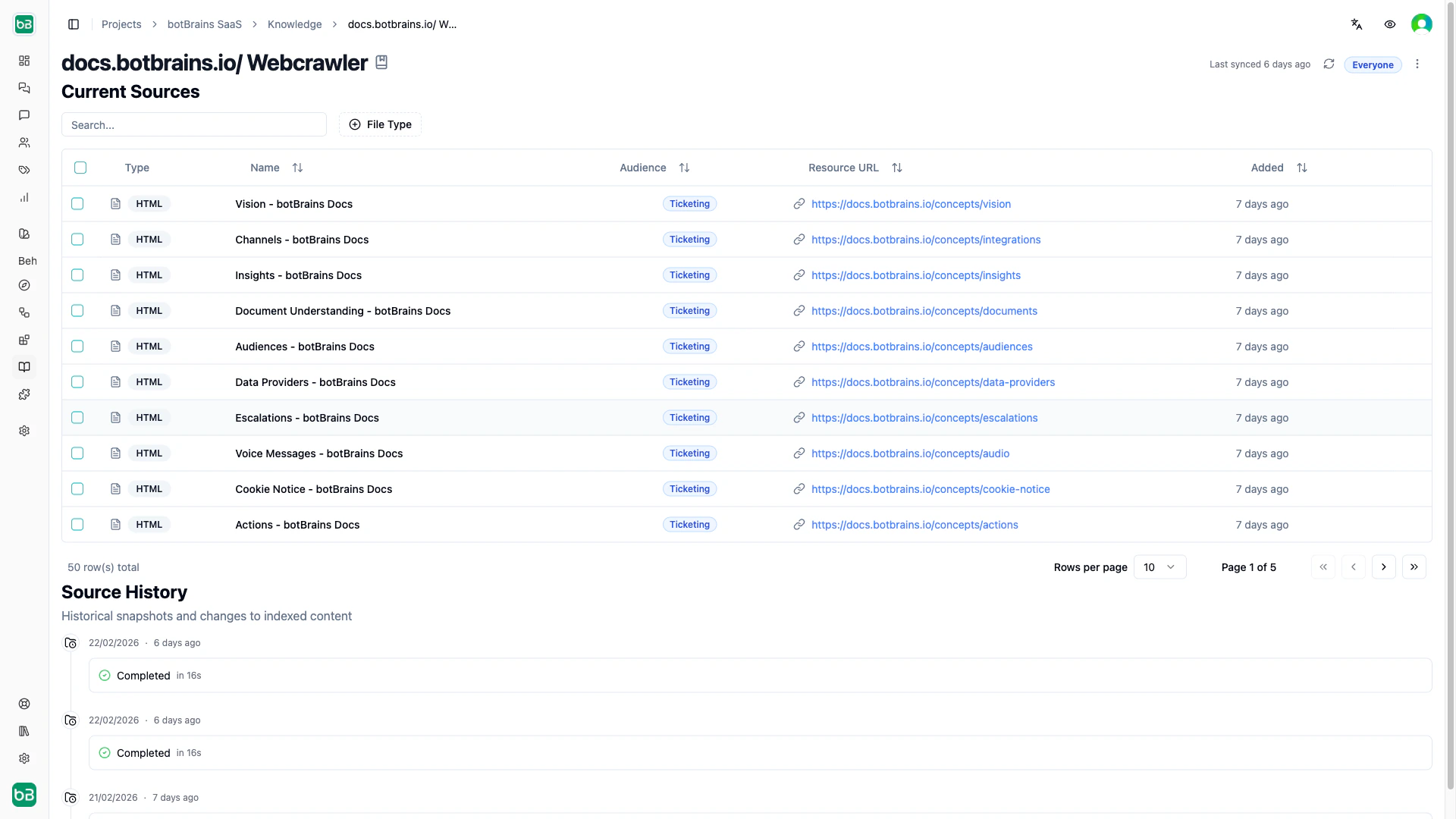 [Snippets](/concepts/snippets) live in collections too, since they are just text files.
## Confluence
Connect Atlassian Confluence spaces to sync wiki content automatically.
## Scheduling Syncs
Set automatic syncs on any provider by selecting which days to run (Monday–Sunday). The system assigns a random time between 1–5 AM to distribute load. Deselect all days to disable automatic syncs. You can always trigger a manual sync from the provider detail page.
After a sync completes, [rebuild your deployment](/concepts/versioning) to make the updated knowledge available to users.
[Snippets](/concepts/snippets) live in collections too, since they are just text files.
## Confluence
Connect Atlassian Confluence spaces to sync wiki content automatically.
## Scheduling Syncs
Set automatic syncs on any provider by selecting which days to run (Monday–Sunday). The system assigns a random time between 1–5 AM to distribute load. Deselect all days to disable automatic syncs. You can always trigger a manual sync from the provider detail page.
After a sync completes, [rebuild your deployment](/concepts/versioning) to make the updated knowledge available to users.