

Authentication
API keys authenticate requests using a bearer token scheme:Example API Request
sk_live_ or sk_test_), a cryptographically secure secret (43 characters), and a set of permissions that control which operations the key can perform.
Key Concepts
- Project-scoped: Each key belongs to one project and cannot access resources from other projects.
- Permission-based: Keys use granular
resource:actionpermissions (for exampleconversation:read,knowledge:write). Grant only the minimum permissions required. - Revocable: You can delete or modify key permissions at any time - changes take effect immediately.
Creating a Key
1
Open API Keys
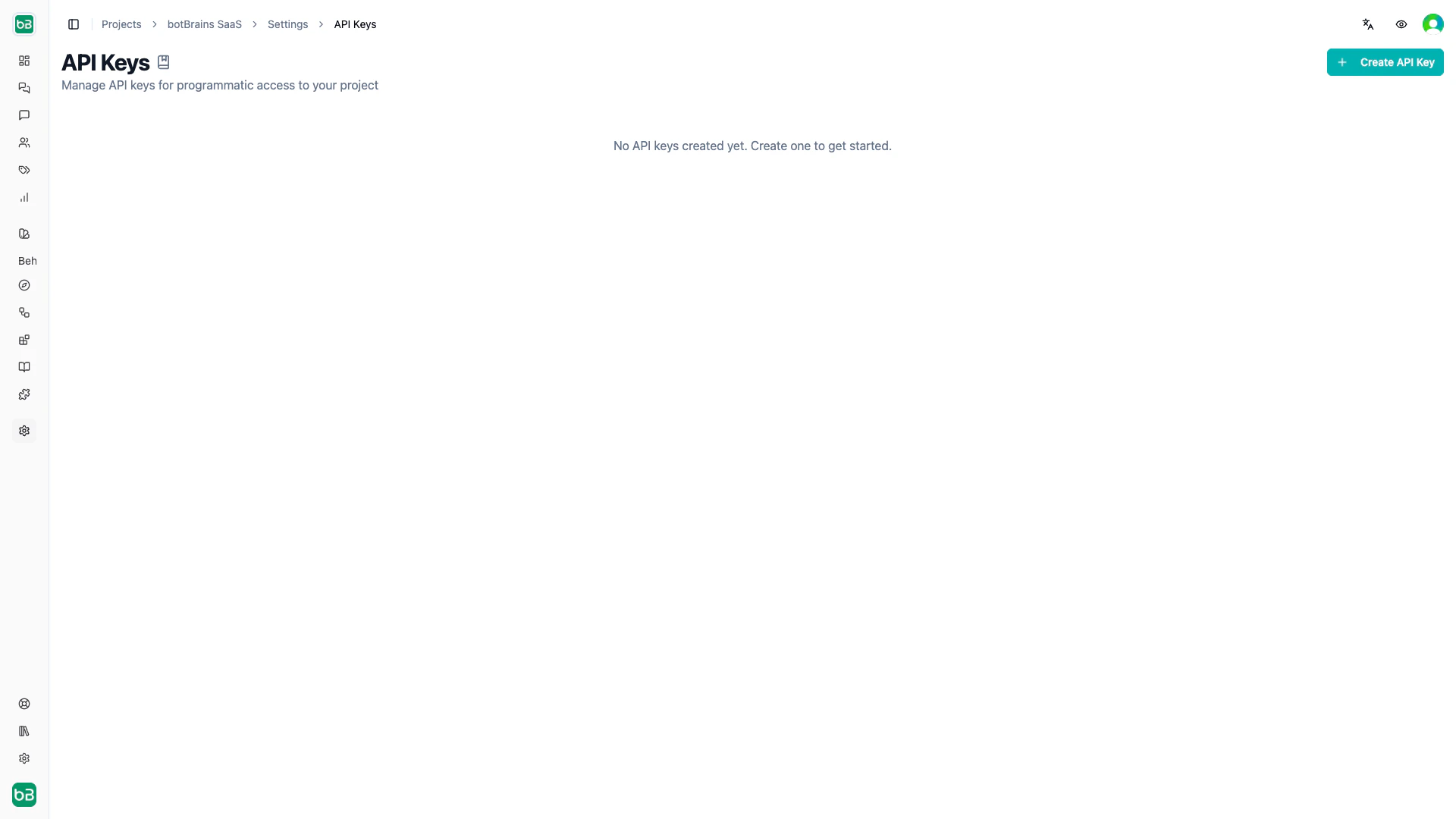
Open Settings → API Keys in your project
2
Create and configure
Click Create API Key, enter a descriptive name (for example “CRM Sync”, “CI Pipeline”), and select the permissions the key needs
3
Copy the secret
Copy the secret immediately - you won’t see it again after closing the dialog
.env
Managing Keys
The API Keys table shows each key’s name, masked secret, and permissions. From there you can:- Reveal or copy the secret using the eye / copy icons
- Edit permissions without regenerating the secret (click the pencil icon)
- Delete a key permanently (all requests using it will fail immediately)

Permissions
Permissions follow aresource:action pattern and map directly to the Roles and Permissions system. Write permissions automatically include the corresponding read permission.
Common patterns:
API keys only support project-level permissions. Organization-level operations (billing, team management) require authenticated user sessions.
Next Steps
- Roles and Permissions - Understand the full permission model
- Triggers - Automate actions with event-based webhooks
- Data Export - Export conversation data programmatically