

Export Methods
Export Formats
') before text a spreadsheet could read as one, such as text starting with =, +, -, or @.
Attributes
Conversation exports include the values of your conversation attributes: every custom and managed attribute and every scorecard, identified by its key. Built-in attributes such as topic and status have their own fields.
For example, for a conversation with negative sentiment, two frustration triggers, and a CX Score of 66.67, the attributes look like this:
attributes in fields for every attribute, or attributes.<key> for single ones.
Filters. An export from the conversation list uses its current filters, including attribute filters, so you can export only conversations with negative sentiment, for example. In the API, send the filter in the request body as described in Filter by Attributes.
Full Dataset Export. Each conversation carries all its attribute values in attributes, typed as in JSONL, plus its topic (topic_name), channel (integration_type), and AI involvement (involvement_type).
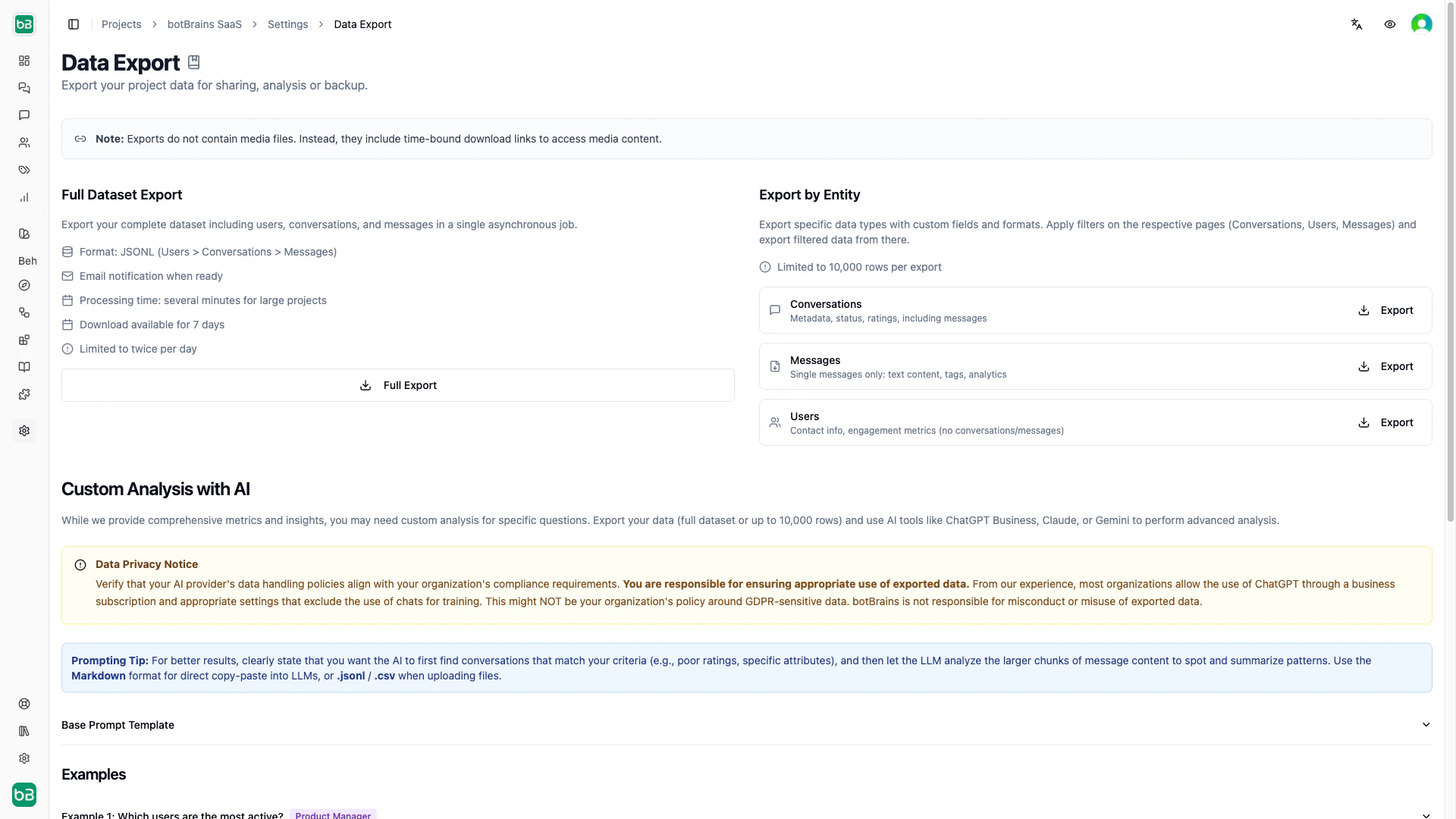
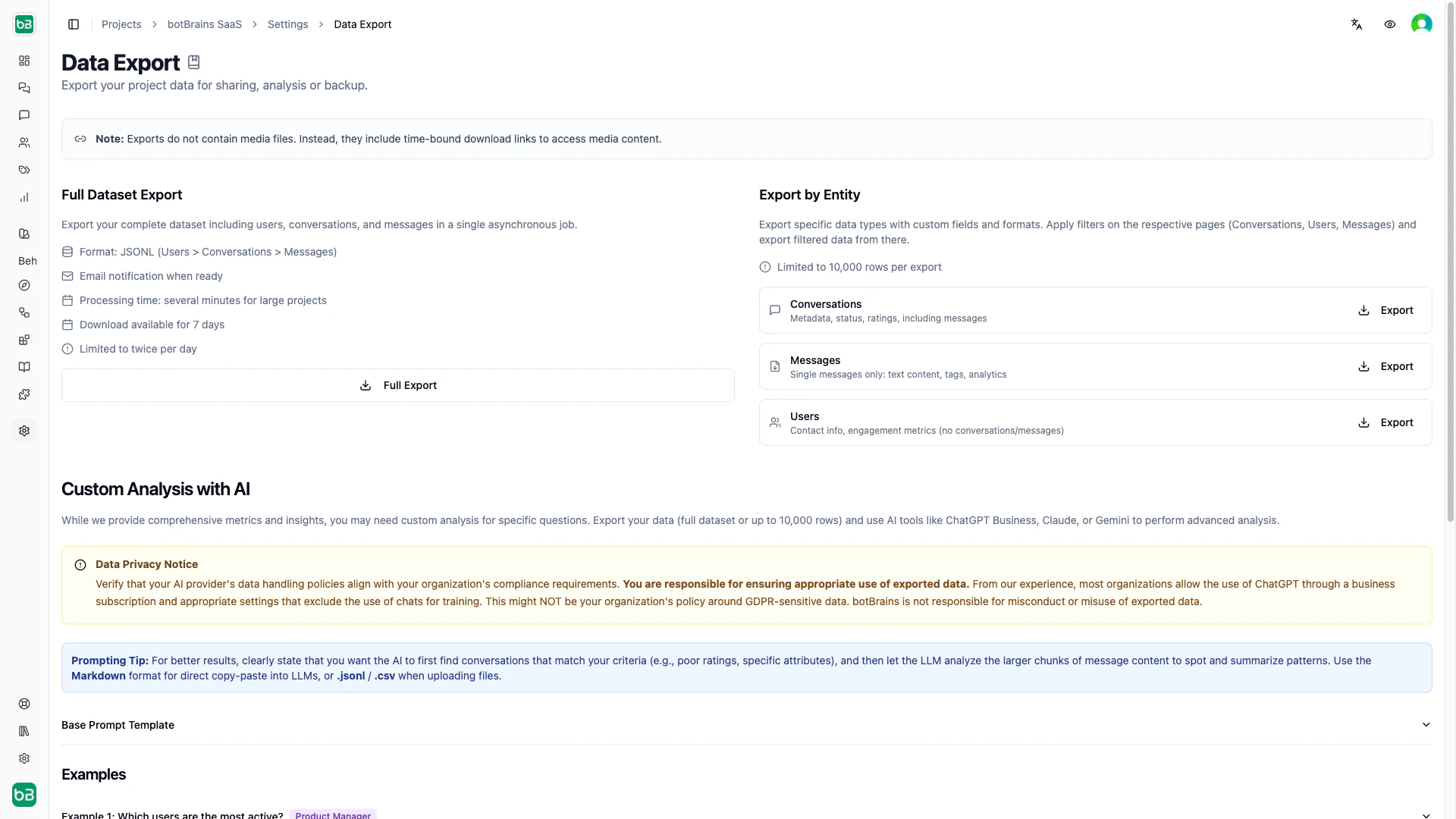
Media Files in Exports
Exports include time-limited download URLs for media attachments (images, files), not the files themselves. These URLs expire after 7 days. Download media files after exporting if you need permanent copies.Custom Analysis with AI Tools
The Full Dataset Export (JSONL) works well with AI tools like ChatGPT or Claude. Upload the file and use this prompt template:- “Which users send the most messages? Show a table sorted by message count.”
- “What common issues do users with
external_attributes.plan = PREMIUMdescribe?” - “Find conversations rated 1–2 and categorize the top complaint themes.”
Next Steps
Conversations
Filter and review conversations before exporting
Metrics
Use built-in analytics before resorting to custom exports