

Conversations
Browse, filter, and analyze individual conversations
Message Search
Search across all message content
Topics
AI-powered topic detection and analysis
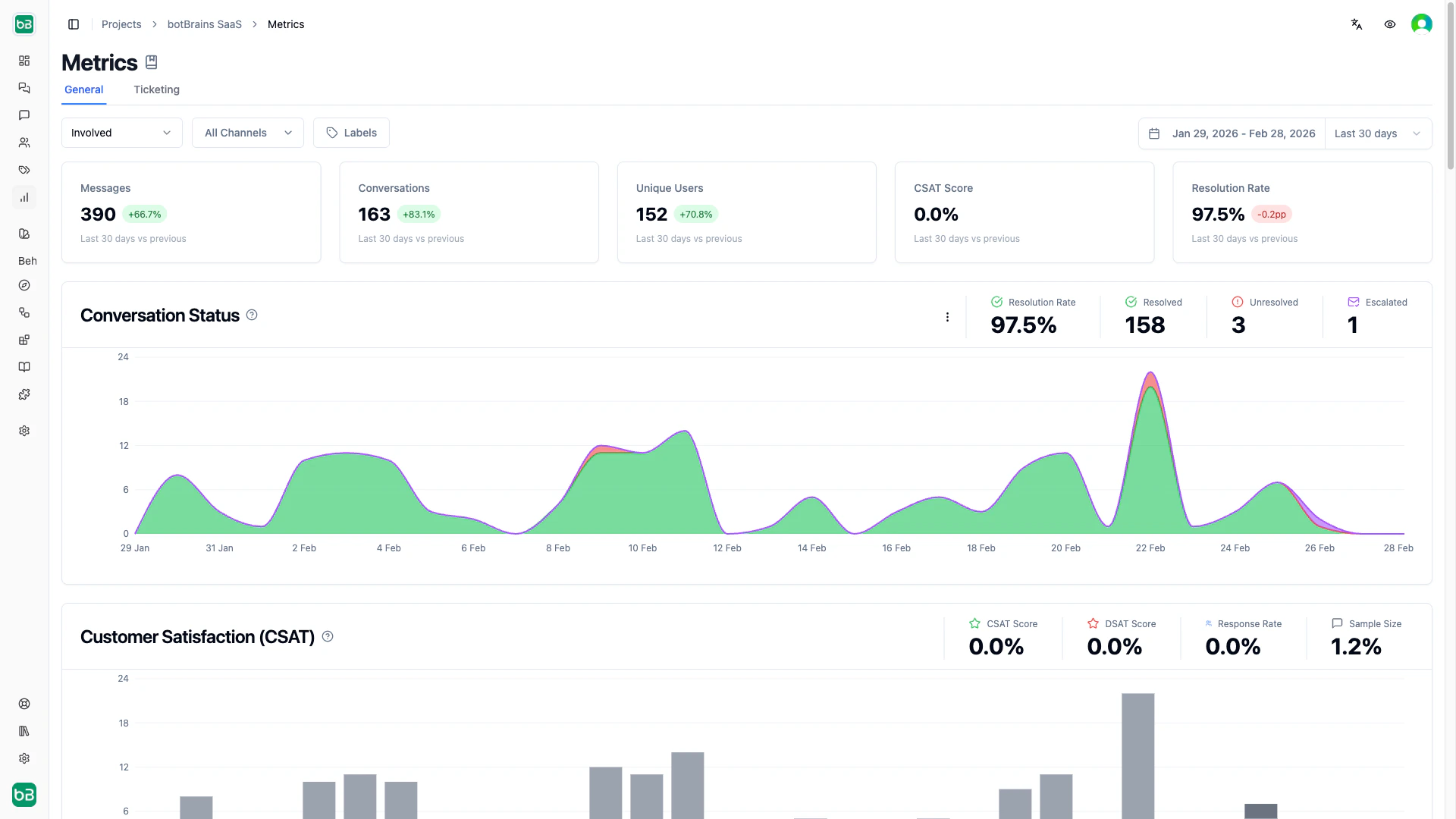
Metrics
Dashboard overview and cross-channel comparison
Chat Performance
Resolution rates and CSAT for Web, Slack, and WhatsApp
Ticketing Performance
Involvement rates and autonomous resolution for Zendesk and Salesforce
ServiceLens
Score, monitor, and review conversations with structured attributes
CSAT Details
Customer Satisfaction (CSAT) measures how users rate their AI interactions on a 1–5 scale.A low Response Rate limits the reliability of your CSAT score. If few users complete the survey, the score may not represent overall satisfaction.
Exporting Charts
Hover over any chart to reveal the export menu. You can download a chart as PNG, export the underlying data as CSV, or copy the data to your clipboard for use in spreadsheets or external tools.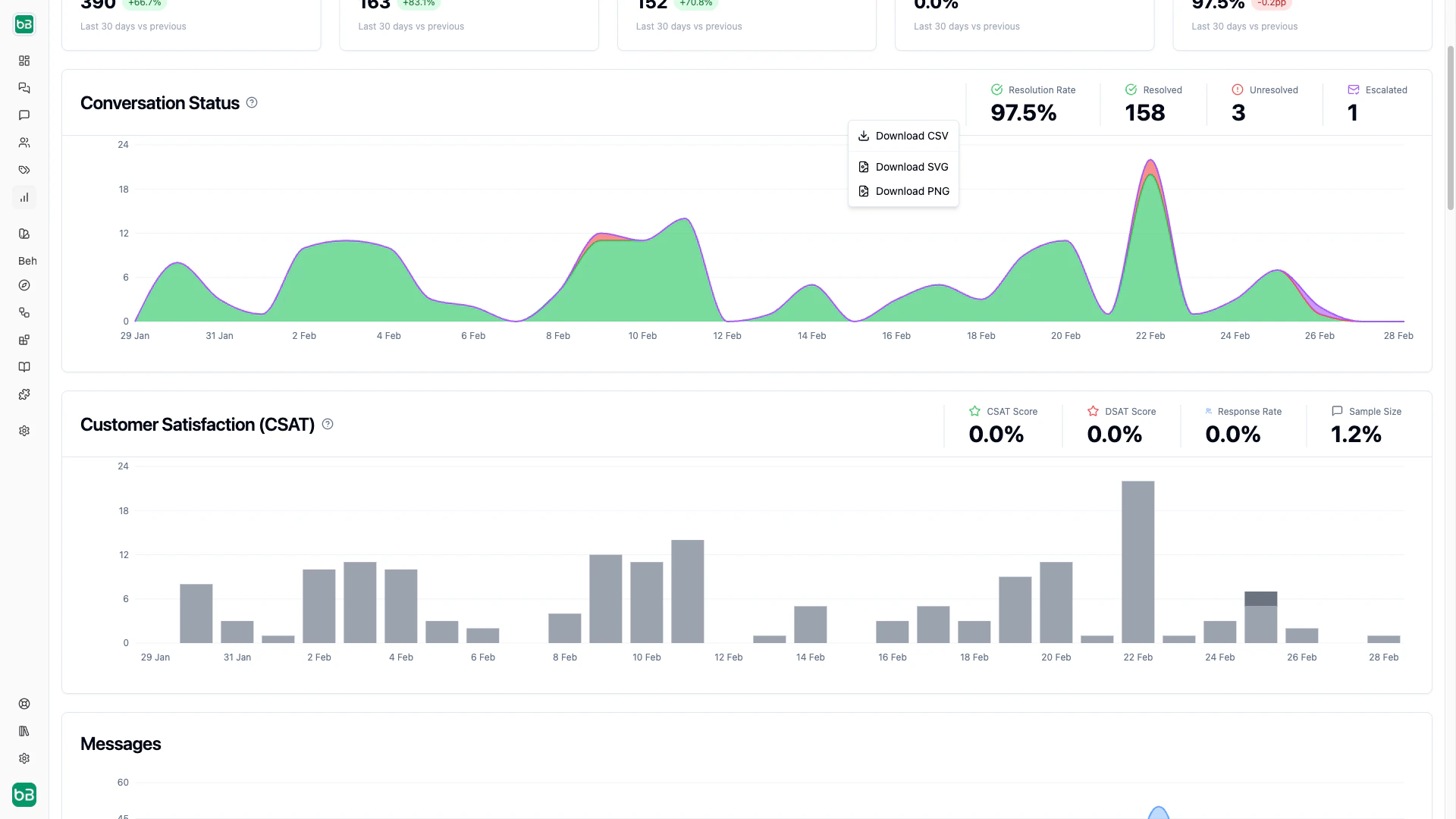
Next Steps
- Metrics - Understand which metrics matter for chat vs. ticketing
- Chat Performance - Deep dive into chat channel analytics
- Ticketing Performance - Deep dive into ticketing analytics
- Improve Answers - Turn metric insights into concrete improvements