Learn the Terminology in 5 Minutes
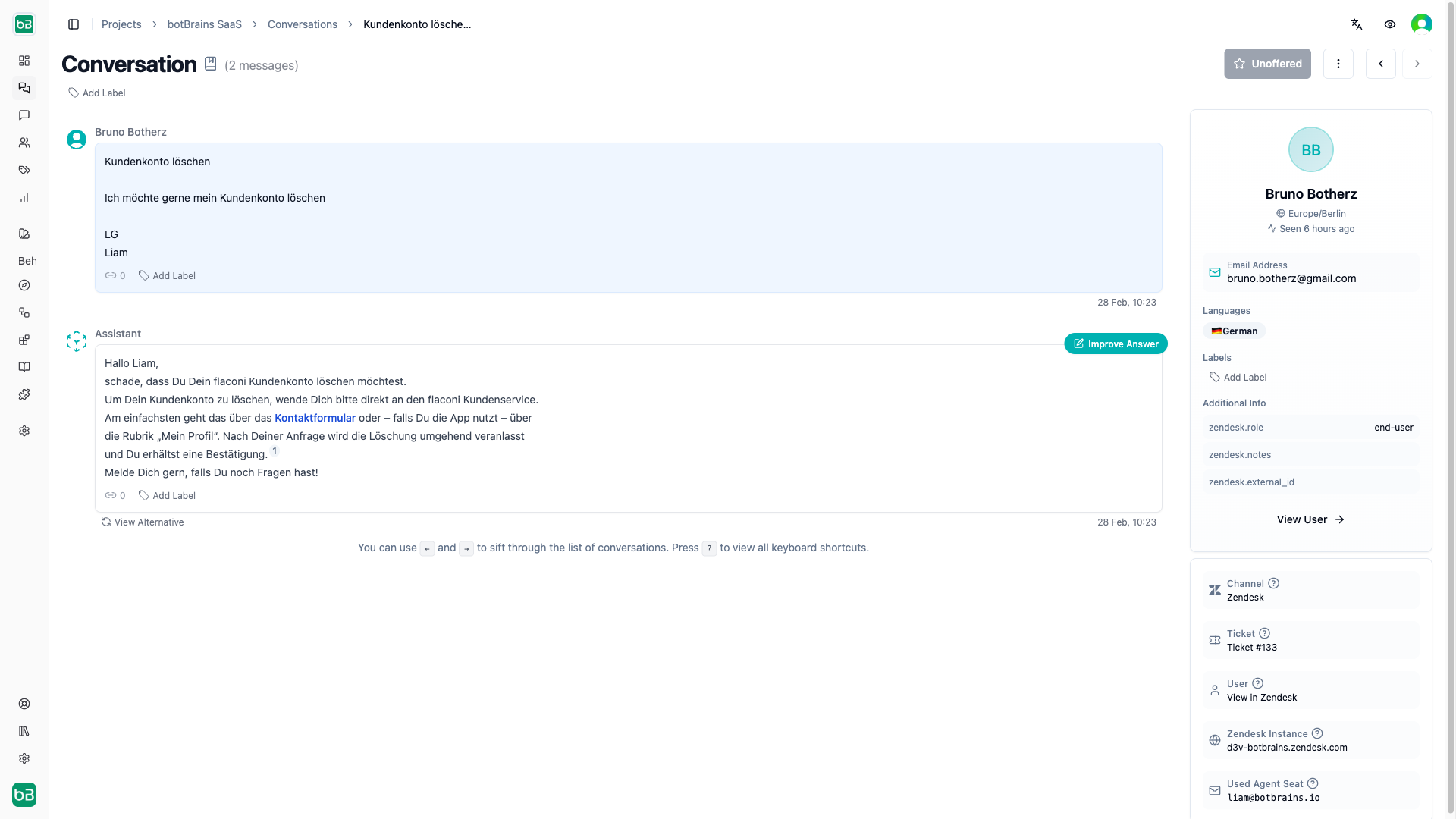
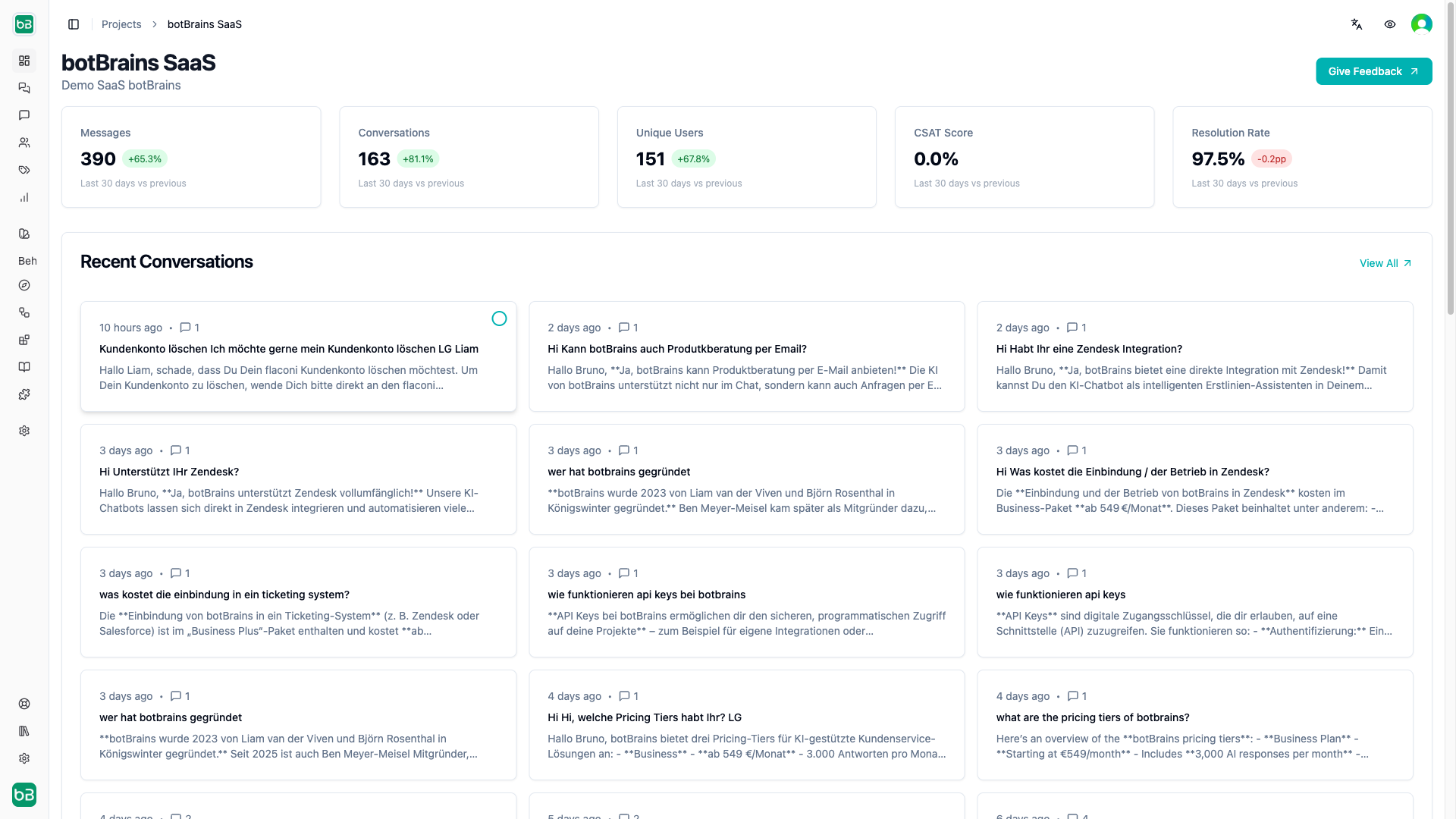
Every Business has an Organization, which can have multiple Projects. Your team can be part of organizations and projects, and projects inherit access from their parent organization. The platform tracks billing and usage at the organization level. A Project represents a single AI agent that interacts with your customers. You can create multiple projects to serve different use cases and departments. Most customers have one project. A Deployment is a snapshot of knowledge, guidance and actions that comprise a AI agent at a point in time, that’s why we frequently refer to a deployment as a AI agent version. To maintain a stable reference to the latest version of a your AI agent, we use Aliases. Aliases point to a specific deployment and link to a Channel. A Channel defines over which way the AI agent interacts with customers, supported are website chat widgets, Zendesk, Salesforce Service Cloud and Slack. Each project can have the web channel and any one of the other channels. The Web SDK, a JavaScript interface exposed by botBrains, helps you handle user annotation and login on your website. Knowledge: The AI agent knows about the world and basic relationship between objects, but needs your business specific knowledge to answer your customers questions. Ultimately, Knowledge is just a collection of documents. Data Providers allow you to periodically ingest websites. Collections allow you manually upload documents like PDFs, Word, PPTX and more. Snippets are text snippets written and stored on the botBrains platform to add internal knowledge. Behavior: Versioned Guidance and Actions control the AI agent’s behavior. Guidance are you text instructions that steer how the AI responds, while Actions define custom operations the AI can perform during interactions. Since you need to explain the AI how to use an Action, Guidance and Actions link together. Audiences allow you to segment behaviour, actions and knowledge for different customer groups based on user attributes, time, channel, conversation attributes and more. Escalations (handoffs) enable the AI to send emails on behalf of the customer, to create support tickets, for example. AI Agents have Conversations with your users. Each conversation consists of multiple Messages exchanged between the AI agent and the user. During conversations, the AI agent may invoke Actions to perform specific tasks or retrieve information. Users have attributes that provide context about them, which you can use to personalize interactions, for example email, name, timezone and more. The External Attributes of a user store custom attributes. A Verified User can continue his conversation not just on one device, but seamlessly across multiple devices they’re logged into. You can apply Labels to conversations for categorization and analysis. Metrics track the performance and effectiveness of your AI agents, providing insights into user interactions and satisfaction. The most important metric in chat based systems in the Resolution Rate. When using ticketing systems, the most important metric is the Involvement Rate, or more specifically the Autonomous Rate. Topic AI automatically identifies topics and topic trends, and support cross-analysis with metrics to identify poor performing topics.