

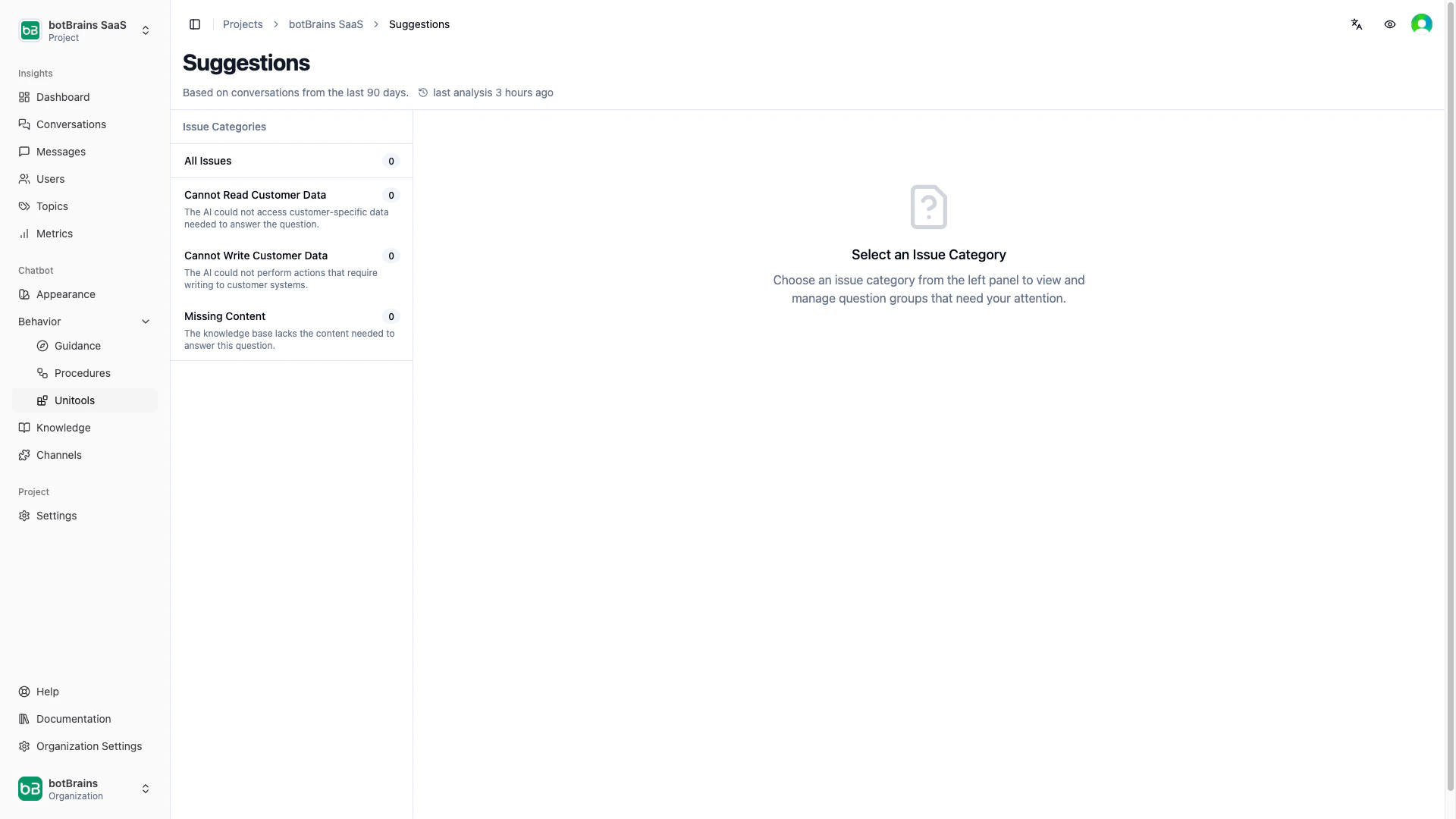
How it works
- Extraction. The system scans conversations from the last 90 days and identifies questions that the AI couldn’t answer or answered incorrectly.
- Clustering. Similar questions get grouped together. Each cluster shows a canonical question, the number of occurrences, and how many conversations it affected.
- Categorization. Each cluster receives an issue type that tells you what kind of fix it needs:
- Knowledge matching. The system checks whether your existing knowledge sources already contain a relevant answer and flags the match quality: identical, partial, or unrelated.
Learning from human agents
In ticketing channels (Zendesk, Salesforce), human agents often resolve the same questions your AI couldn’t answer. Suggestions captures these human-provided answers and includes them in the cluster. This means you can see both what the customer asked and how your team answered it, giving you a ready-made answer to add to your knowledge base.FAQ
Can botBrains learn from tickets?
Can botBrains learn from tickets?
Yes. When human agents answer questions in your ticketing system, Suggestions captures those answers and surfaces them alongside the original questions. You can then add these answers as Snippets or documentation sources so the AI handles similar questions autonomously in the future. The AI doesn’t learn automatically from tickets. You review the suggestions and decide what to add to the knowledge base.
How far back does the analysis go?
How far back does the analysis go?
Suggestions analyze conversations from the last 90 days by default.
How often are suggestions generated?
How often are suggestions generated?
The system processes new conversations and updates suggestions every 6 hours.