

Choosing a testing method
There are four ways to test agent behavior. The first three let you shape the test to probe a specific scenario; the fourth runs the real thing end to end. They complement each other: iterate with the manual chat, confirm a real case with View Alternative, lock behavior in with simulations, and verify the whole integration over the live channel.
Each dimension exists because a specific kind of test goes wrong without it:
- Agent version. Which configuration the test runs. You need to choose it when you’ve built version #14 but not promoted it: you want to confirm #14 in isolation before pointing Production at it, separate from what customers see on #13 today. Run against the wrong version and you validate behavior nobody has yet, or already moved past.
- Test before deploy. Whether you can test without exposing the change to customers. You need it mid-edit, to see a guidance change immediately or validate a built version without making a half-finished change live. The manual chat runs your unsaved draft and simulations run against a built test version, so both let you iterate before anything goes live; View Alternative and the live channel only ever run Production.
- Context & audience overrides. Whether you can impersonate a user or set context to force a specific audience. You need it when a rule is scoped, for example to one of several Zendesk brands, or to in-app users versus website visitors: unless you set the matching channel and context, the rule never fires and you would wrongly conclude it’s broken. Because knowledge, guidance (and the tools it enables), and procedures can all be audience-scoped, overrides are the only way to reach the right audience on demand.
- Mock tool calls. Whether tools return a fixed result instead of running for real. You need it for read tools to stage a specific data state on demand, such as a customer who is in dunning level 3, without hunting for a real one that matches. You need it for write tools to avoid side effects: testing a cancellation flow without mocking cancels a real subscription on every run. A tool override returns a fixed output, or a forced error, so you can rehearse the flow and its failure path without touching live systems.
- End-to-end. Whether the test crosses the real integration. You need it to catch what in-platform tests can’t: the Zendesk webhook failing to deliver messages, or the website widget having invalid user annotation. Only a real message through the channel exercises integration, routing, and delivery.
- Repeatable. Whether the test is saved and re-runnable as a pass/fail check. You need it for regression protection: a simulation you wrote after fixing a cancellation bug re-runs on every future change and flags instantly if the fix breaks, instead of relying on someone to re-test by hand.
- Manual effort across conversations. How much hands-on work it takes to test many scenarios rather than one. The other three methods work one conversation at a time, so covering twenty scenarios means twenty manual runs, while simulations run a whole group in a single click. That makes simulations the only low-effort way to test wide coverage, which is why they carry regression testing across your highest-volume flows.
Manual via Guidance tab
The test chat defaults to standard browser usage. As you update guidance, you can test those changes right away in the same Guidance tab without deploying anything live. The chat runs against your unsaved draft, so you see the effect of an edit before you build a version.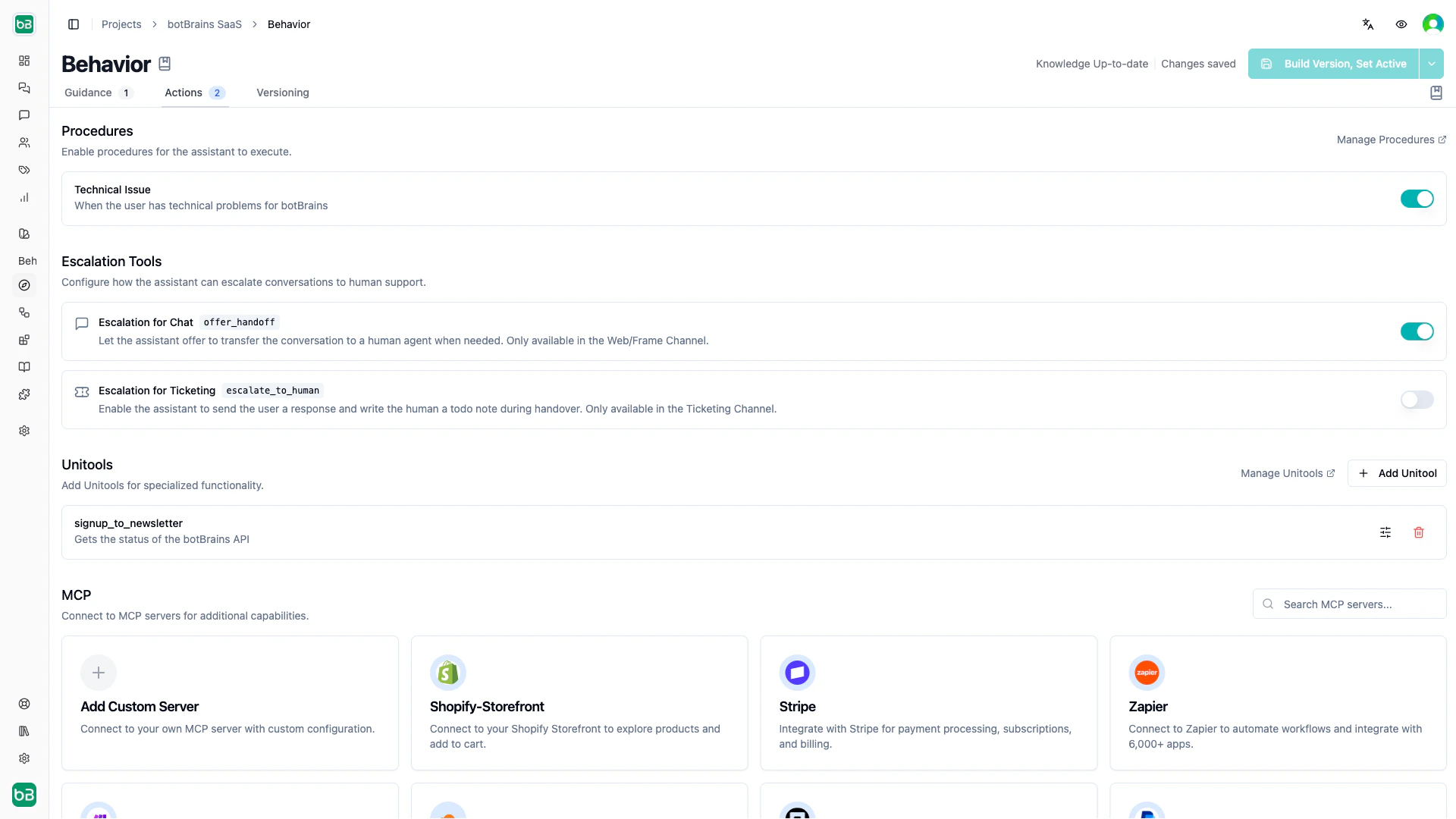
Simulate different environments
Use the context button to switch channel type and simulate dedicated systems like Salesforce or Zendesk. For website channels, set the browser URL to the exact page you want to test. This is important when guidance depends on page-level context. For Salesforce and Zendesk channels, you can specify a ticket or case ID during testing.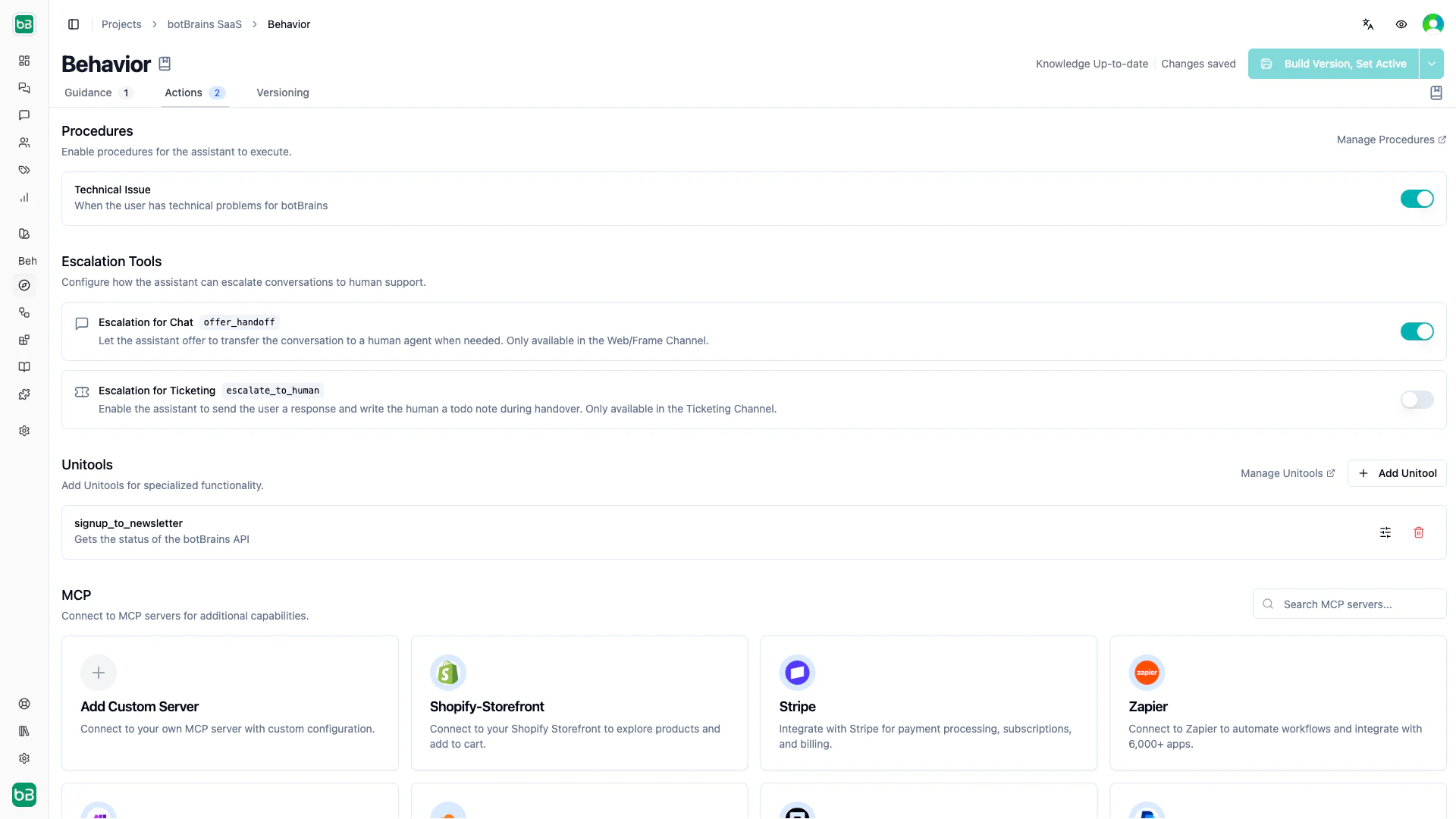
Impersonate users
You can pick users to impersonate during testing. Impersonation sets the runtime context to that user so the agent evaluates security boundaries correctly. Your account may still own the requests, but context-driven access and behavior follow the impersonated user.Set time and custom context
For guidance that depends on time, you can set a specific test time. You can also add custom context fields for any attribute you need, including IDs and other metadata.View Alternative in a conversation
Open any conversation and click View Alternative on an AI message. The agent re-runs the customer’s message through your live configuration and shows an alternative answer inline, replacing the original answer only in your view. Nothing reaches the customer, and your original answer stays in place. Click Reset to return to it. This is the fastest way to confirm a fix against a concrete, real case. When a colleague flags a conversation where the agent behaved wrong, fix the underlying guidance or procedure, deploy the change, then use View Alternative on that same message to verify the agent now answers correctly. The alternative runs on your current Production configuration, so deploy your change first. To test a draft you haven’t built yet, use the manual Guidance tab test chat.Simulations
Simulations turn a customer scenario into a repeatable, automated test with explicit pass/fail checks. Unlike a one-off live test, a simulation stays saved and re-runnable, so it doubles as a regression test you run after every future change. Create simulations in Simulations for any risky or high-volume flow, such as cancellations, refunds, or package changes. Group simulations that cover each branch of a procedure, then re-run the whole group whenever you edit it. This replaces a manual half-hour of click testing with a one-click check that nothing broke.Simulations
Create synthetic users, define checks, and re-run them after every change.
Over the integration channel
Send a real message through the live channel itself: click the launcher bubble on your website, message the Slack bot, or email a ticket into Zendesk or Salesforce. This is the only full end-to-end test. It exercises the real integration, message routing, the deployed Production version, live tools, and delivery back to the customer, so it proves the whole pipeline works. Because it runs as a genuine request, you can’t impersonate users or override context values. The effective audience is whatever the real context resolves to, and the audience determines which knowledge, guidance (and the tools it enables), and procedures apply, since each can be audience-scoped. You can’t force a specific scenario the way the other methods allow, but you gain certainty that everything works for that real path. Run it last, once the other methods pass.Test knowledge builds before going live
If knowledge has changed, you can test a build version in the testing UI without setting that version active. This lets you validate knowledge updates before release.Next steps
Simulations
Define repeatable scenarios with checks and tool mocks.
Versioning
Try out changes and roll back if needed.