Procedures
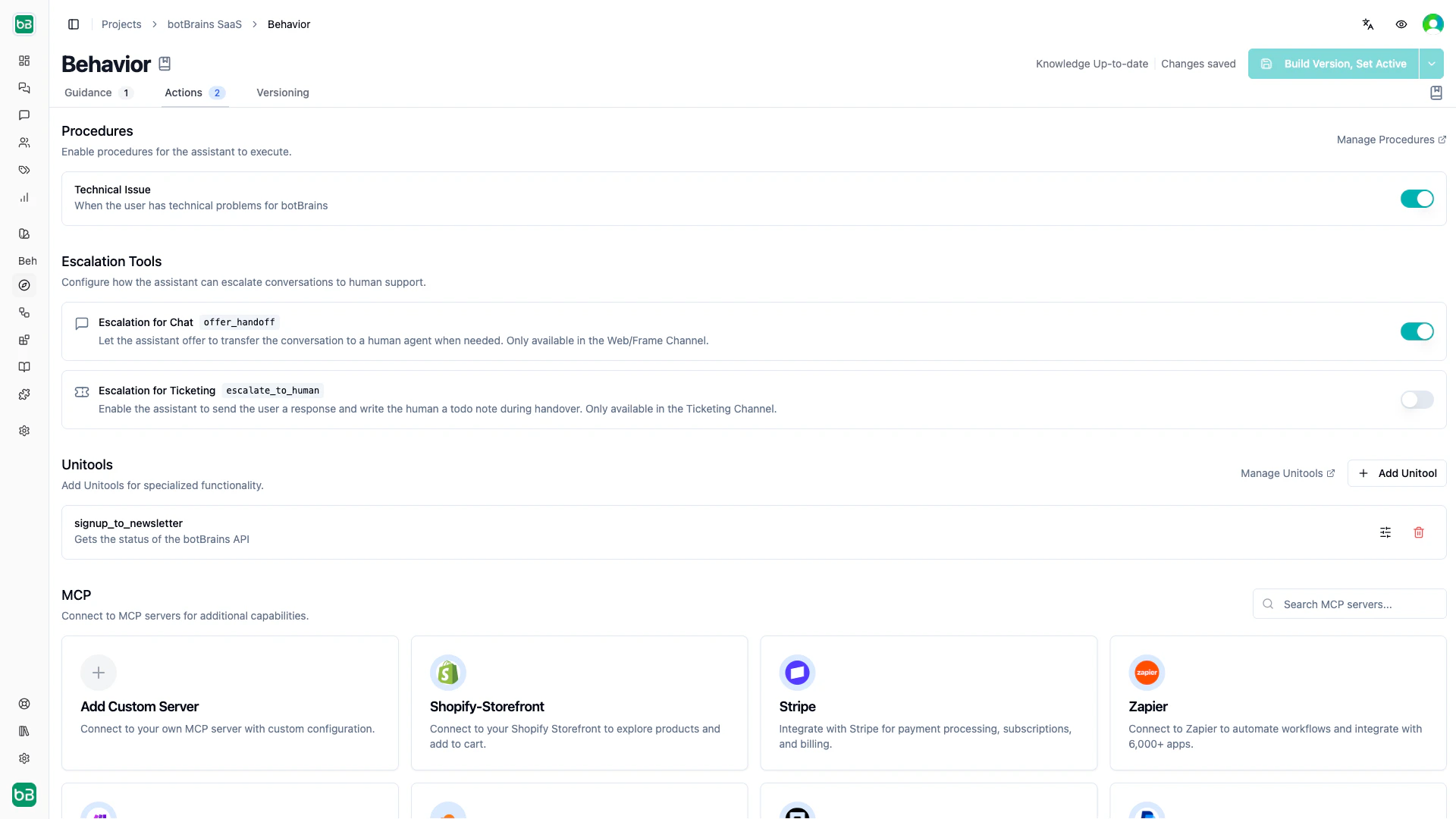
Procedures are step-by-step workflows that guide your AI agent through multi-turn tasks. Enable procedures per profile to make them available during conversations.Escalation tools
Escalation tools let the AI agent hand conversations to human agents. Two variants exist, one for each channel type:
Learn more about configuring escalation workflows in Escalations.
Unitools
Unitools let you write custom Python or Shell code that your AI agent executes during conversations. Use them to query databases, call APIs, process data, or run any custom logic in a secure sandbox. You manage Unitools at the project level and then enable specific ones per profile under the Actions tab.Connecting to third-party systems
When you need your AI agent to interact with external systems, follow this priority:- Toolboxes or pre-built MCP Servers. Check if botBrains already offers a ready-made integration for your system. These require minimal setup and work out of the box.
- Unitools. If no pre-built integration exists, write a Unitool to call the external API yourself.
- Search Tables. If the data rarely changes, consider uploading it as a Search Table instead of querying an external system at runtime.
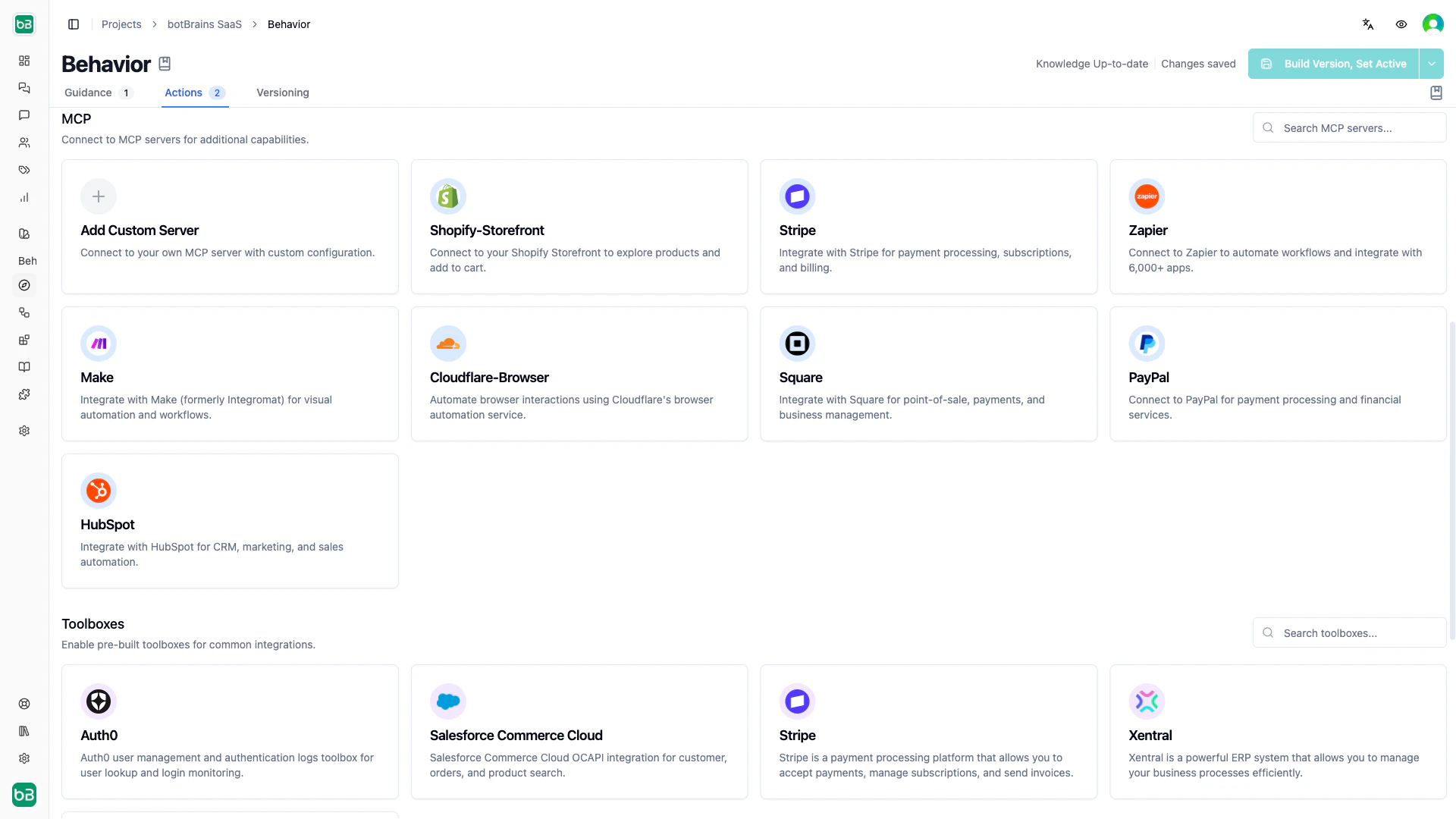
MCP Servers
MCP (Model Context Protocol) servers connect your AI agent to external systems like Salesforce, Stripe, HubSpot, or your own APIs. Data stays in the external system, and the agent accesses it in real time. Setup. Add an MCP server at the project level, then enable it in a profile’s Actions tab. You can choose which tools to expose and whether actions require approval.botBrains provides pre-built integrations for popular platforms. You can also connect any custom endpoint that implements the MCP specification.