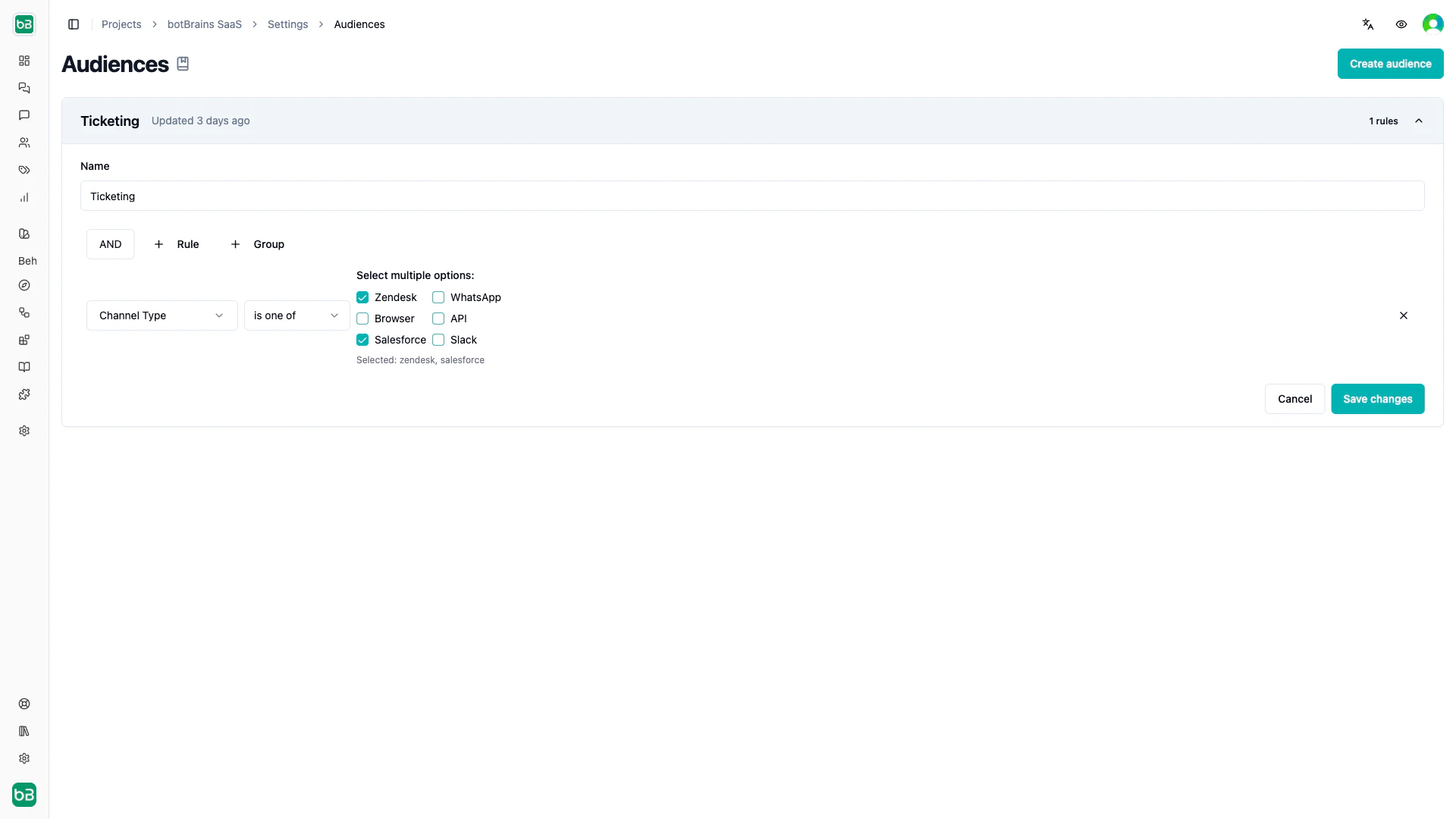
channel.type | Select | Channel of the conversation: browser, app, api, slack, whatsapp, zendesk, salesforce, or voice |
channel.browser.url | Text | Page URL where the chat runs |
channel.browser.user_agent | Text | Browser user agent |
channel.slack.team_id | Text | Slack workspace ID |
channel.slack.team_name | Text | Slack workspace name |
channel.whatsapp.phone_number | Text | Your WhatsApp business number |
channel.zendesk.subdomain | Text | Zendesk subdomain |
channel.zendesk.group_id | Select | Zendesk group of the ticket |
channel.zendesk.brand_id | Select | Zendesk brand of the ticket |
channel.zendesk.tags | Multiselect | Zendesk ticket tags |
channel.zendesk.is_private_mode | Boolean | Whether the Zendesk integration runs in private mode |
channel.voice.direction | Select | inbound or outbound call |
channel.voice.from_number | Text | Calling phone number |
channel.voice.to_number | Text | Called phone number |
user.id | User | botBrains user ID |
user.external_id | Text | Your ID for the user |
user.email | Text | Email address |
user.phone | Text | Phone number |
user.first_name | Text | First name |
user.last_name | Text | Last name |
user.name | Text | Full name |
user.zendesk_id | Text | Zendesk user ID |
user.slack_id | Text | Slack user ID |
user.whatsapp_id | Text | WhatsApp ID |
user.timezone | Text | Timezone, for example Europe/Berlin |
user.locales | Multiselect | Preferred languages |
user.labels | Multiselect | Labels on the user |
user.external_attributes | JSON | Custom attributes you pass for the user |
user.external_id_signed | Boolean | Whether your server signed the external ID |
user.email_signed | Boolean | Whether your server signed the email address |
user.phone_signed | Boolean | Whether your server signed the phone number |
user.created_at | Date | When botBrains first saw the user |
user.last_seen_at | Date | When the user was last active |
conversation.id | Text | botBrains conversation ID |
conversation.external_id | Text | Your ID for the conversation, for example the ticket ID |
conversation.integration_type | Select | Integration that created the conversation |
conversation.tags | Text | Conversation tags |
conversation.labels | Multiselect | Labels on the conversation |
conversation.length | Number | Number of customer messages |
conversation.messages.count | Number | Number of messages |
conversation.created_at | Date | When the conversation started |
conversation.updated_at | Date | When the conversation last changed |
conversation.first_message_at | Date | Time of the first message |
conversation.last_message_at | Date | Time of the last message |
conversation.attributes.<key> | Attribute type | Value of a conversation attribute |
time.date.now | Date | Today’s date |
time.datetime.now | Datetime | Current date and time |
time.hour | Number | Current hour, 0 to 23 |
time.day_of_week | Number | Current weekday, 0 for Monday to 6 for Sunday |
time.day_of_month | Number | Current day of the month |
time.month | Number | Current month, 1 to 12 |
time.year | Number | Current year |
time.timezone | Text | Timezone of the time fields |