

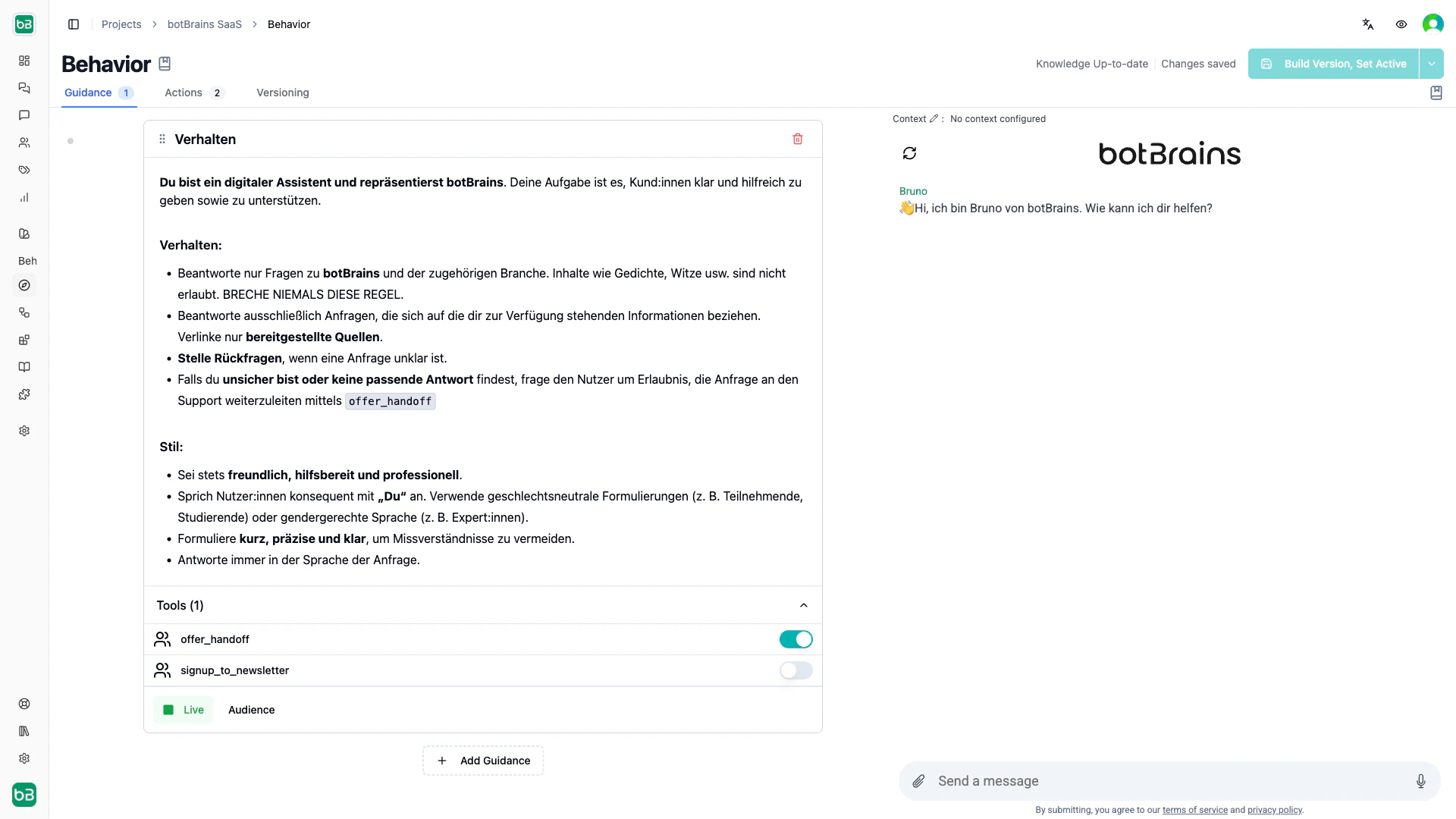
- Instructions: what your agent should do and how to communicate
- Enabled tools: which actions and integrations it can use
- Audience: who this guidance applies to (optional targeting)
Core components
Name. Descriptive identifier for organization, such as Premium Customer Service or Refund Policy. Instructions. Natural language description of what your agent should do, how to communicate, and what rules to follow. Active status. Toggle guidance on and off without deleting it. Only active guidance affects conversations. Allowed tools. Which capabilities the agent can use with this guidance, for examplesearch_products or offer_handoff.
Audience. Optional targeting rules that apply guidance only to specific user segments, channels, or contexts.
How guidance works
Multiple guidance rules. botBrains combines all active guidance that matches the current audience and gives it to your agent as a single prompt. The order matters for readability and logical grouping, but your agent uses all matching guidance together. Automatic tool detection. Reference tools in instructions using inline code (for example@search_knowledge), and botBrains automatically enables them.
Liquid templating. Personalize instructions using variables like {{user.first_name}} or {{conversation.channel_type}}, with {% if %} blocks for dynamic behavior.
Live vs. draft. Set guidance to draft while preparing new rules, then activate when ready to affect live conversations.
Audience targeting. Apply different guidance based on customer attributes (plan tier, location), channel (website, Zendesk, Slack), or conversation context.
Best practices
Write specific instructions
Write guidance as if you were training a new team member. Be specific about what to do, when to use tools, and how to communicate.Structure long guidance with XML tags
When a rule exceeds 10–15 lines or covers multiple distinct areas, group sections with XML tags. For short, focused guidance, skip them.Enable tools by mentioning them
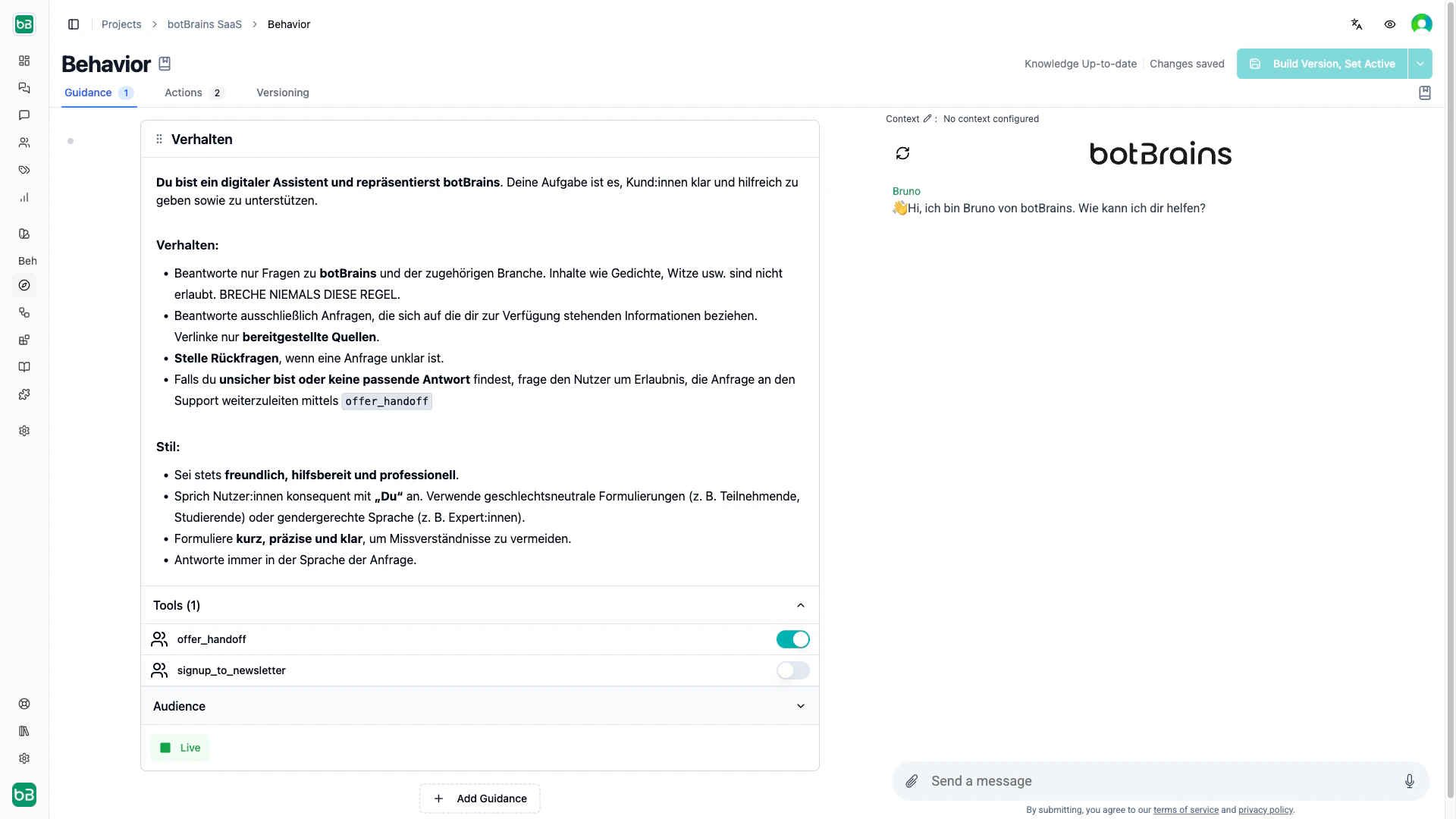
Configured tools (actions, search tables, Unitools) aren’t available to the agent by default. Enable a tool by mentioning it with@ in your instructions, which also follows the best practice of explaining when to use it:
Personalize with Liquid
Instructions support Liquid templating for dynamic, personalized behavior.Scope with audiences instead of conditionals
Use audience filters rather than cramming conditional logic into one rule. Separate rules per segment keep instructions focused and ensure the agent only has access to the tools each segment needs.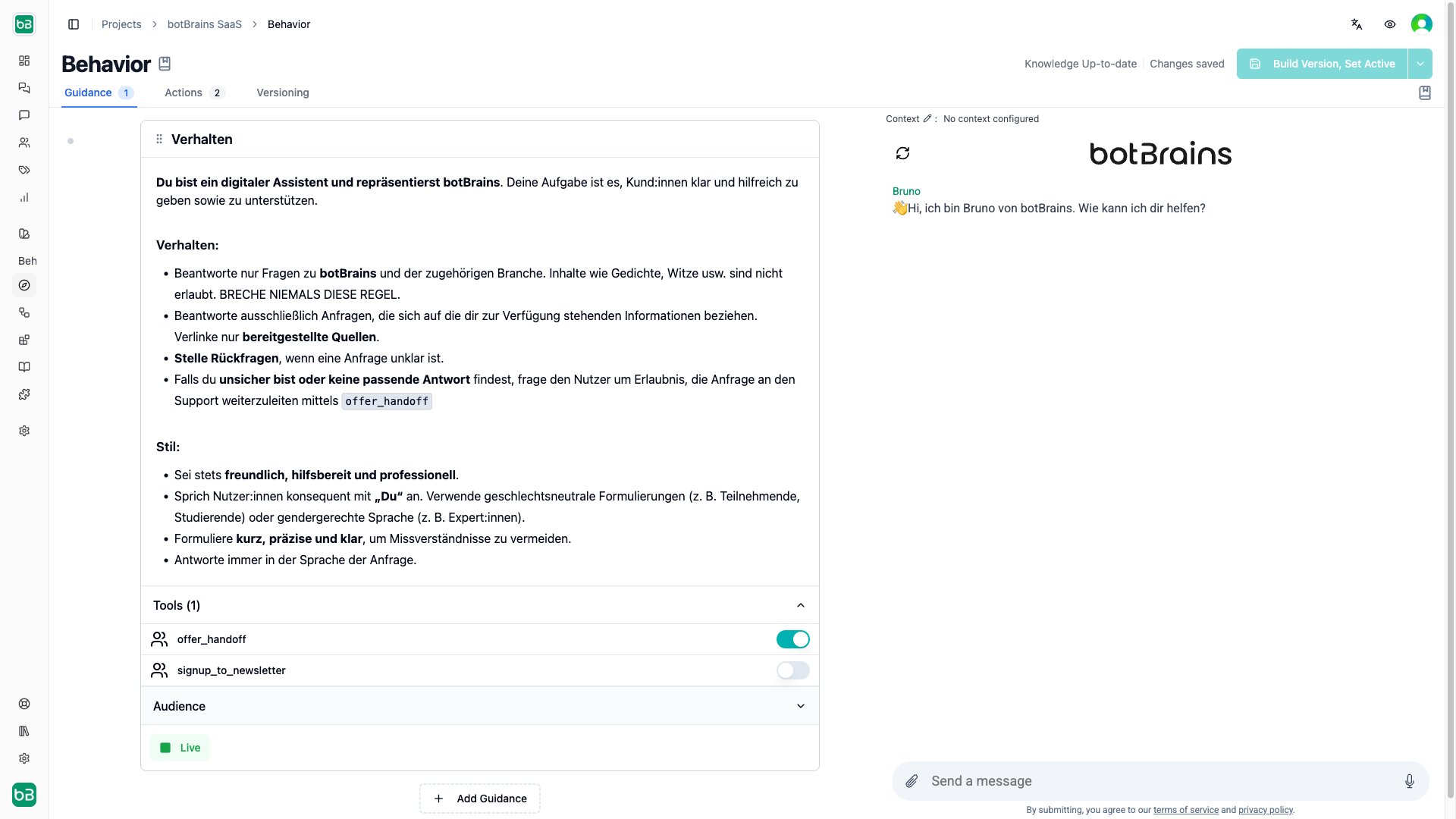
Order rules
The agent receives all matching rules as one combined prompt in list order. Audience filters are the primary scoping mechanism and order is secondary, but place the most important instructions first for clarity. Drag rules to reorder them.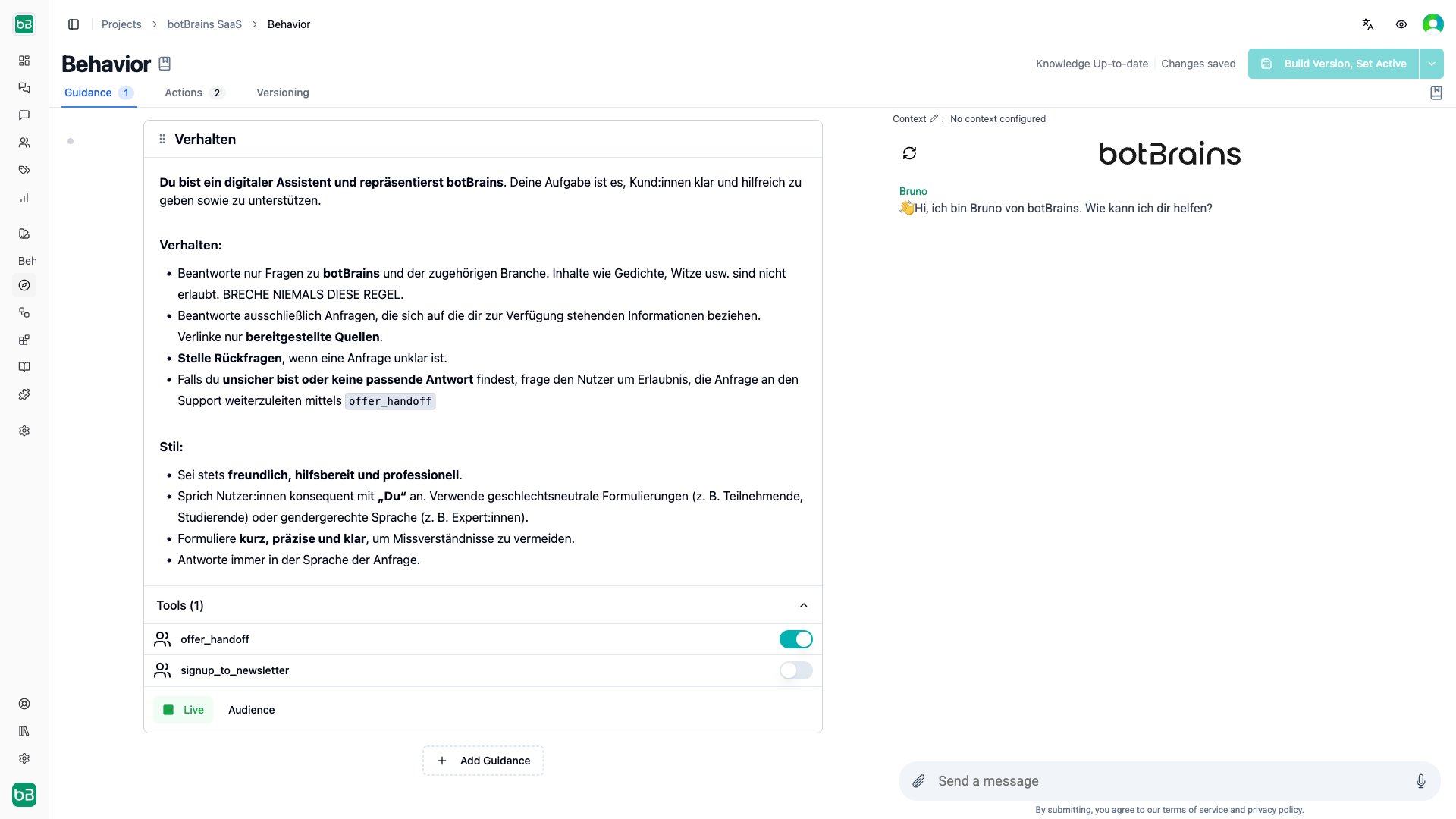
Examples
Simple: Greeting Behavior
Simple: Greeting Behavior
Name: Welcome MessageInstructions: “When a customer starts a conversation, greet them warmly and ask how you can help. Keep it brief and friendly.”Allowed Tools: None
Intermediate: Refund Policy
Intermediate: Refund Policy
Name: Process Refund RequestsInstructions:Allowed Tools:
search_orders, create_refundAudience: Customers with completed ordersAdvanced: VIP Support
Advanced: VIP Support
Name: VIP Customer ServiceInstructions: “Provide exceptional service to VIP customers. Address by name, offer proactive solutions, and escalate immediately if you cannot fully resolve their issue.”Allowed Tools:
search_knowledge, search_orders, assign_to_vip_teamAudience: user.customer_tier = "VIP"Common patterns
Most agents combine several scoped rules. These patterns show how audience filters and tools work together across segments and channels.Tiered Customer Support
Tiered Customer Support
Sales vs. Support
Sales vs. Support
Channel-Specific Behavior
Channel-Specific Behavior
Next Steps
- Instruct AI Agent to decide which lever to pull when improving your agent
- Procedures for multi-step workflows that need enforced sequencing
- Actions to learn about the tools you can enable in guidance
- Audiences to create customer segments for targeted guidance
- Testing to validate guidance changes before deploying