

A Forward Deployed Engineer (FDE) is a hybrid technical role that embeds directly within client organizations to customize, deploy, and integrate complex software into real-world workflows. They act as a bridge between the customer’s specific business problems and the vendor’s core product team.botBrains Engineer is an AI coworker that unifies five roles into one: a software engineer, a data scientist, a QA manager, operations specialist and an botBrains expert. It works inside botBrains, on your most sensitive customer data, so your CX lead gets a whole support-ops team on demand. You delegate work and the Engineer implements it: procedures, guidance, knowledge cleanups, Unitools integrations, and simulations that test it before it goes live. Everything runs in your project, billed by usage rather than per seat, so the whole team can use it.
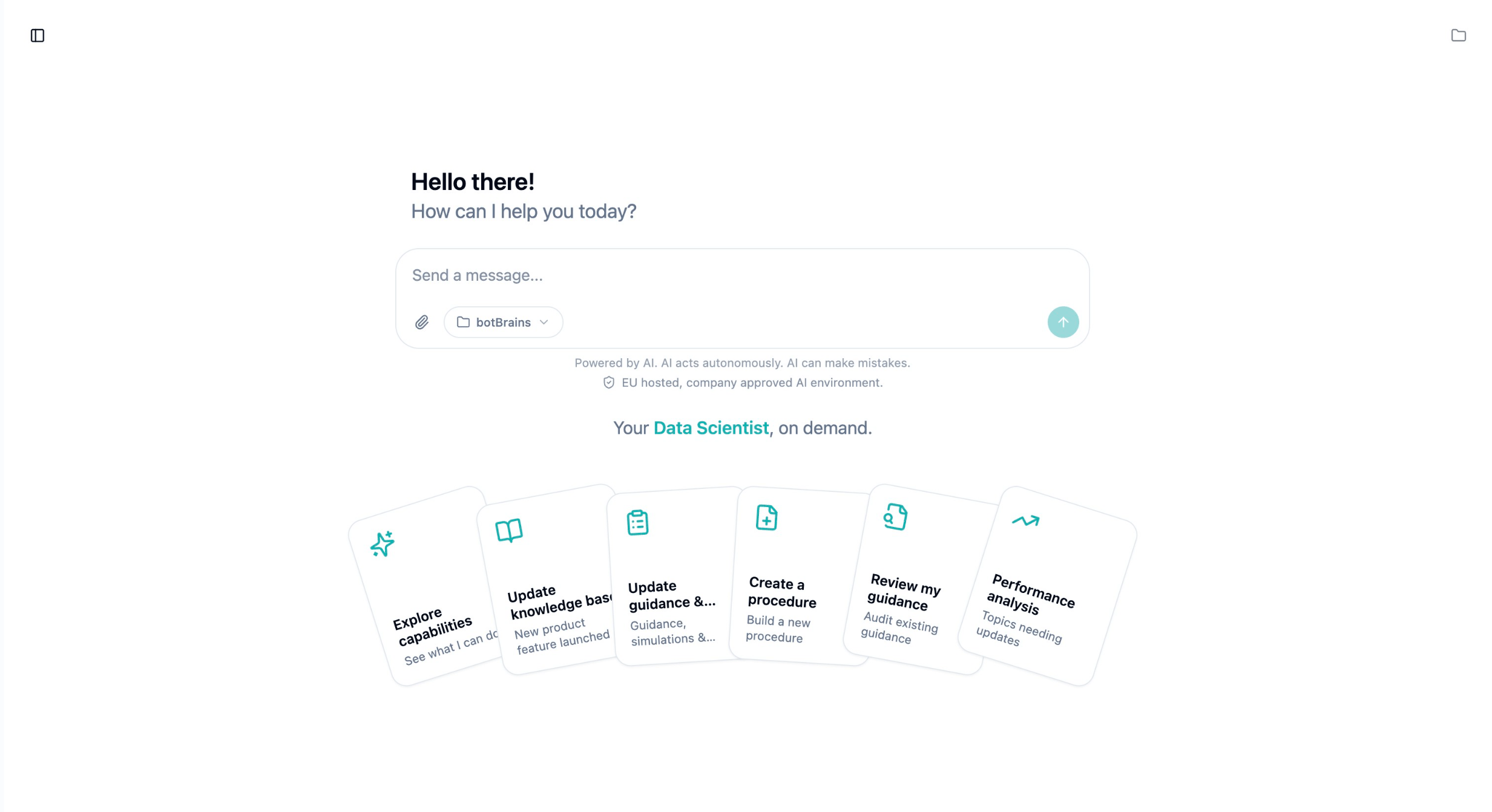
What can the Engineer do?
The Engineer has its own cloud-backed computer, a full Linux environment it controls, so it can take on any task you give it: it writes and runs code, analyzes data, calls APIs, reads documentation, and drives the authenticated botBrains command line to change your project.How it works
The Engineer lives in a chat interface in the platform, and each conversation is a thread you can return to. As it works it streams its reasoning, the commands it runs, the files it edits, and any web searches, so you can follow along and stop it at any point. When it needs a decision, it pauses and asks a structured question instead of guessing. It proposes consequential changes for your review rather than applying them on its own, and you can roll changes back through versioning.Model
botBrains Engineer runs onbotbrains-fde-1, an EU-hosted agent model that botBrains upgrades over time, and there is no model picker to configure. We continuously optimize the underlying models for good speed and great output quality.
Cost and access
Billing is pay-as-you-go in credits, with no per-seat license, so everyone in your workspace can use the Engineer. Each organization has a monthly allowance and a spending limit, which you can top up or raise. You see usage below the chat and on your usage dashboard. Account owners and admins have access by default, and you can grant or restrict it through roles and permissions.During the launch months, every organization gets 100 credits to spend on botBrains Engineer for free.
Data residency and privacy
Your data, knowledge, and decisions stay in your project. botBrains stores and processes them within EU data residency under its Data Processing Agreement (DPA), never shares them across customers, and never uses your conversations to train models. botBrains Engineer runs in the same EU-hosted, GDPR-compliant environment as the rest of your botBrains setup. There is nothing separate to install and no new data processor to review.Origin story
A forward deployed engineer is usually the most gated thing a vendor sells: a senior engineer embedded with one customer, billed by the hour or day, available only to the accounts that can afford it. We were doing that, helping teams set up botBrains, answering their questions, and watching what separated a great support setup from a struggling one. We did build a capable platform with clear primitives. Yet customizations and analysis takes time. Instead of keeping our experience to ourselves, we wrote it down: generalized rules, mental models, and checklists for building great support AI agents. botBrains Engineer ships with these organizational best practices, and that’s where its edge comes from. It doesn’t start from a blank slate, it starts from how strong support setups are actually built. Then we made the opposite bet from most enterprise software. botBrains captures a share of the value it creates, which is why we sell to enterprises, but we don’t believe in tools that gate a half-finished product behind friction and make a team move slower. Speed is the advantage, so rather than keep the forward deployed engineer as a service for a few accounts, we productionized the capability to be at your fingertips. You want something done today, get it done today.FAQ
What model does botBrains Engineer use? It runs onbotbrains-fde-1, botBrains’ EU-hosted agent model, and you can’t pick a different one. botBrains upgrades the underlying frontier model over time. See Model.
How much does a conversation cost?
Credits are billed per conversation, not per message, and every conversation costs at least one credit. Longer conversations cost more: a quick question is about one credit, while building and simulating an integration runs to several. You see the exact count below the chat. See Cost and access.
How do I get more credits?
Each organization has a monthly allowance you can top up. To raise your allowance or spending limit, contact sales@botbrains.io.
Why does botBrains use credits?
The Engineer’s work varies widely, so the cost of a single request does too: it depends on the model, how much context it reads, how long its response is, whether it calls tools or runs web searches, and how much it can cache. Tokens alone don’t capture this, and different models and providers price input, output, cached context, and tool use in different ways, so two similar-looking requests can cost different amounts underneath.
Credits turn that into one predictable unit: you manage a single allowance and spending limit while botBrains handles model selection, caching, and infrastructure. This also lets botBrains pass through efficiency gains, so you benefit from improvements without tracking model pricing or caching mechanics yourself.
Can credit usage change over time?
Yes. How many credits a task consumes can change as models, pricing, infrastructure, and capabilities evolve. When botBrains makes material changes, it aims to keep pricing predictable and aligned with the value you get.
Do credits expire?
Credits expire one year after issuance and are non-refundable, unless your contract states otherwise. Free promotional allowance resets monthly.
Can I go over my spending limit?
Slightly. Because tasks run asynchronously and bill when they finish, concurrent conversations can settle at once and push usage a little past the limit. When you reach it, the Engineer stops starting new work; your conversations stay in place and resume once you raise the limit or add credits.
Is it worth the cost?
The largest return comes from a higher resolution rate on chat channels or autonomous rate on ticketing channels: every point you add is volume the AI handles without a human. Raising it ten points hands the AI roughly a tenth of your support volume each month, which for most teams is worth far more than the credits spent getting there.
What makes it different from a general-purpose agent like Codex or Claude?
Those start from a blank slate. botBrains Engineer works inside your project with governed access to your procedures, guidance, knowledge, and Unitools, so it ships changes where they live, with nothing to install.
Can it generate reports?
Yes. It builds reporting workflows and surfaces recurring ticket drivers, escalation causes, and knowledge gaps, so you can see what to fix next rather than only read numbers.
Does it learn from other companies’ projects?
No. It remembers your systems, policies, and decisions within your project, but botBrains never shares or trains on anything across customers.
Where does my data go?
It stays in your project, stored and processed within EU data residency under botBrains’ DPA, the same environment that already handles your customer conversations. See Data residency and privacy.
Does it remember my business context across conversations?
Yes. Within a project it carries forward the preferences and decisions you establish, like a CSM who knows your account. It scopes this memory to your project and never shares it across customers.
Who can see my conversations?
Everyone in your organization. Conversations are shared across the workspace, so a teammate can pick up or review what the Engineer did, rather than each person keeping a private history.
If I close my laptop, does the task keep running?
Yes. Tasks run on botBrains’ servers, not in your browser. A run continues until it finishes or you stop it, and you can reopen the conversation later to pick up where it left off.
How many tasks can I run at once?
Up to six conversations in parallel. botBrains also rate-limits messages per minute and per hour to keep the service responsive.
Are the files I upload saved?
Only in that conversation, and only temporarily: files you upload, and files the Engineer creates, live in the conversation’s workspace, which botBrains reclaims after inactivity. To keep something available across every conversation, save it to your project’s shared workspace, where reference material like an in-house API’s documentation stays available for all future tasks.
Getting started
botBrains Engineer is available to everyone in your workspace from the chat interface in the platform. There is nothing to install. The fastest way to learn is one concrete task:- “Build a refund flow that checks eligibility before approving.”
- “Show me where and why we keep escalating conversations.”
- “Implement the process from our meeting transcript, and connect Stripe and HubSpot.”