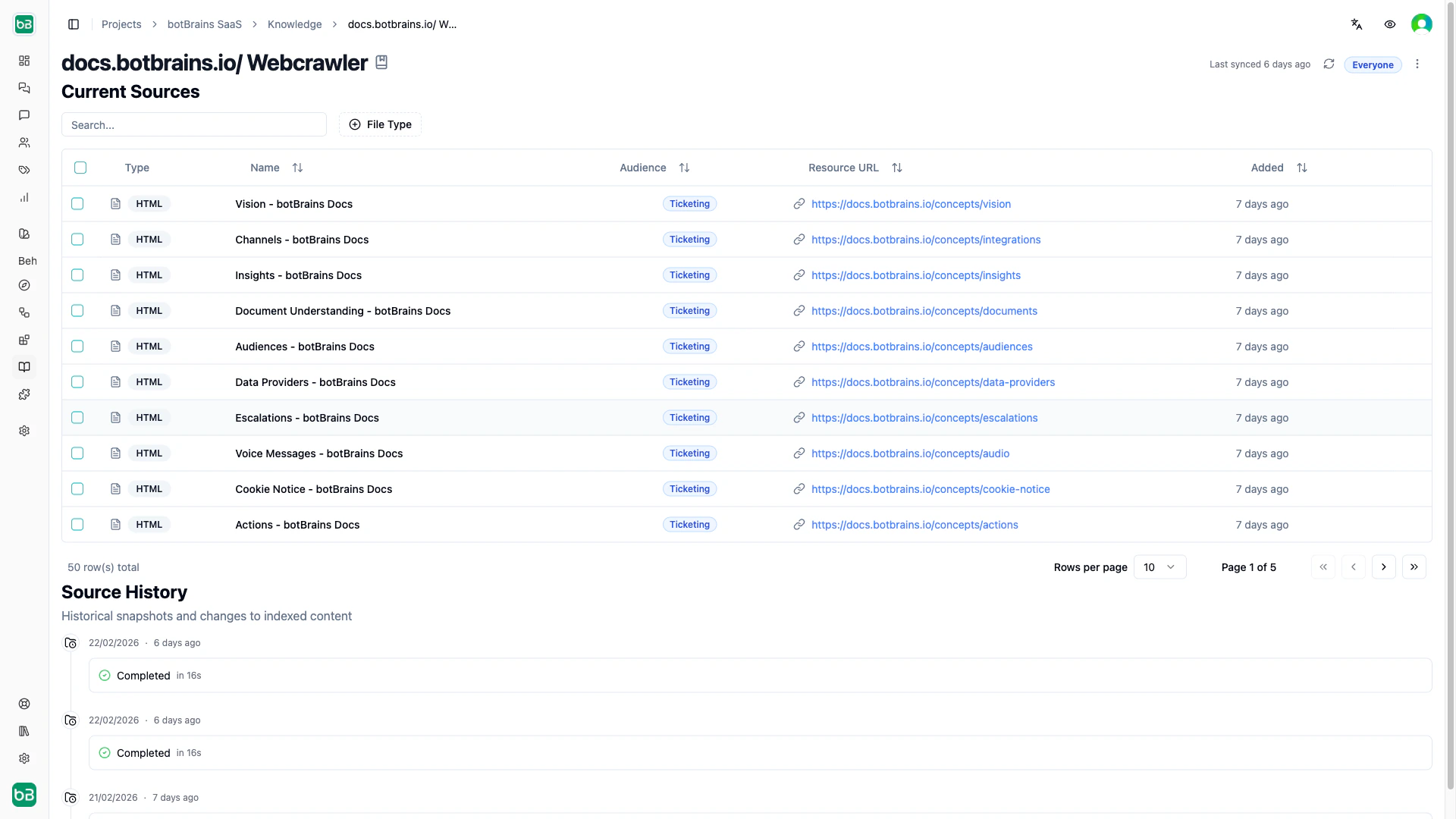
Data providers connect your AI to existing knowledge sources and keep them in sync. Each sync creates a snapshot, a point-in-time record of all discovered content. Compare snapshots to see what changed between syncs. You can assign an audience to a data provider so all new sources it discovers are automatically scoped to that segment.

Web Crawler

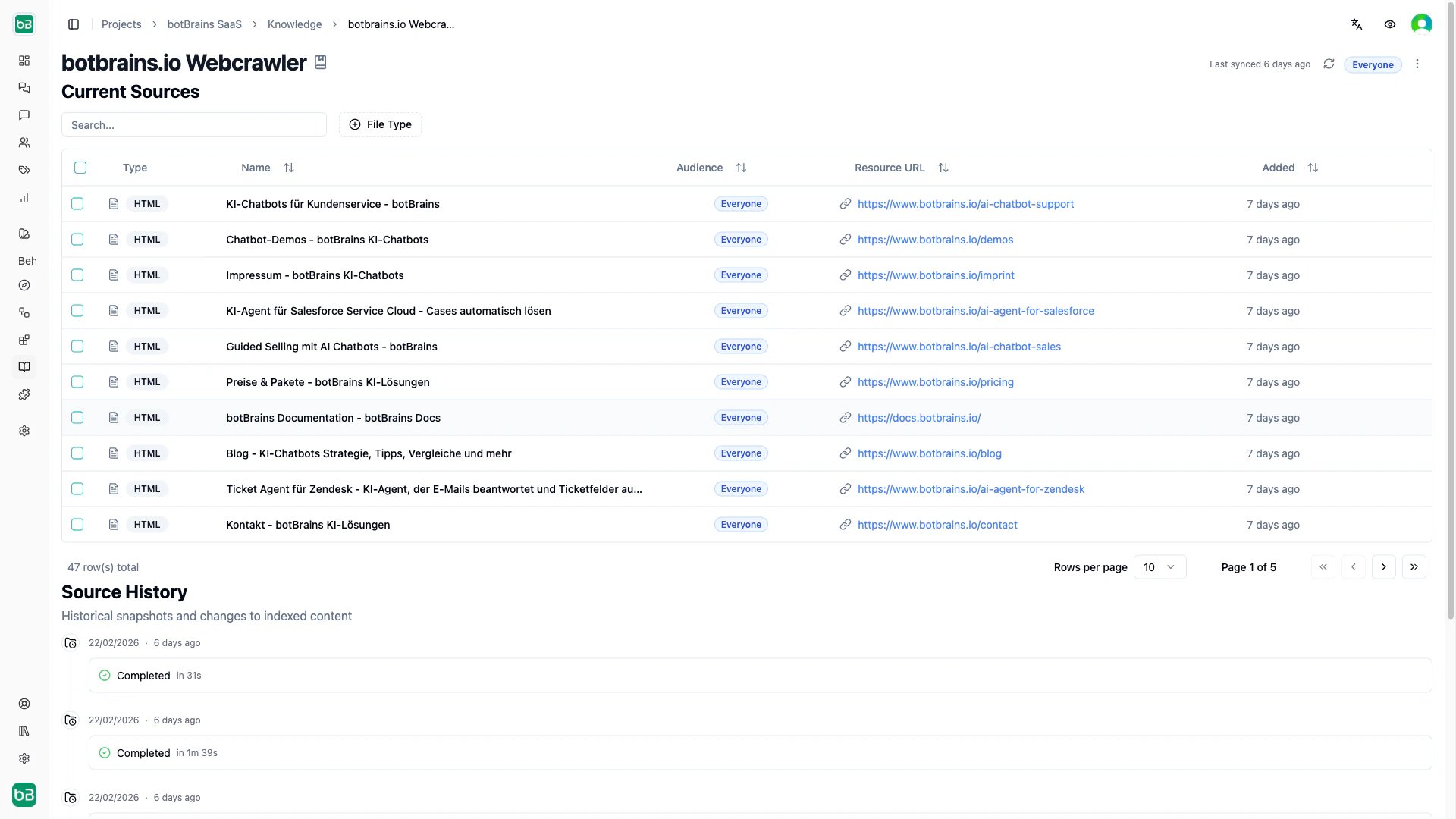
Crawl websites, documentation sites, and help centers starting from one or more seed URLs.
Crawl Scope

ScopeAllowsBlocks
Same DomainAll subdomains under the root domainOther domains
Same hostnameExact subdomain onlyOther subdomains, other ports
Same OriginExact hostname, protocol, and portEverything else

Render Mode

ModeUse when
AutomaticDefault. Decides per page whether to render JavaScript
JavaScriptSingle-page apps and dynamic content
No JavaScriptStatic sites (faster)

URL Controls

  • URL Limit. Maximum pages to crawl (1–20,000). Start small (50–100) to verify your config, then increase.
  • Concurrency Limit. Simultaneous requests (1–50). Use lower values to avoid overloading the target site.
  • Query Aware. Treat URLs with different query strings as separate pages.
  • Fragment Aware. Treat URL fragments (#section) as separate pages.

Include/Exclude Filters

Use glob patterns to control which pages to crawl:
Include: https://docs.example.com/api/*
Exclude: https://docs.example.com/internal/*
Use CSS selectors to control which page content to extract:
Include only: .documentation-content, article.help-article
Exclude:      .navigation, .footer, .advertisements

Collections

Upload PDFs, Word, PPTX, Markdown, Text, Excel and close to every other common format you have information in. Because this cannot happen periodically (you can to manually upload files), this is best for static content that doesn’t change often. Examples include internal procedures, policy documents, or quick knowledge additions. Snippets live in collections too, since they are just text files.
Confluence

Connect Atlassian Confluence spaces to sync wiki content automatically.

Scheduling Syncs

Set automatic syncs on any provider by selecting which days to run (Monday–Sunday). The system assigns a random time between 1–5 AM to distribute load. Deselect all days to disable automatic syncs. You can always trigger a manual sync from the provider detail page. After a sync completes, rebuild your deployment to make the updated knowledge available to users.